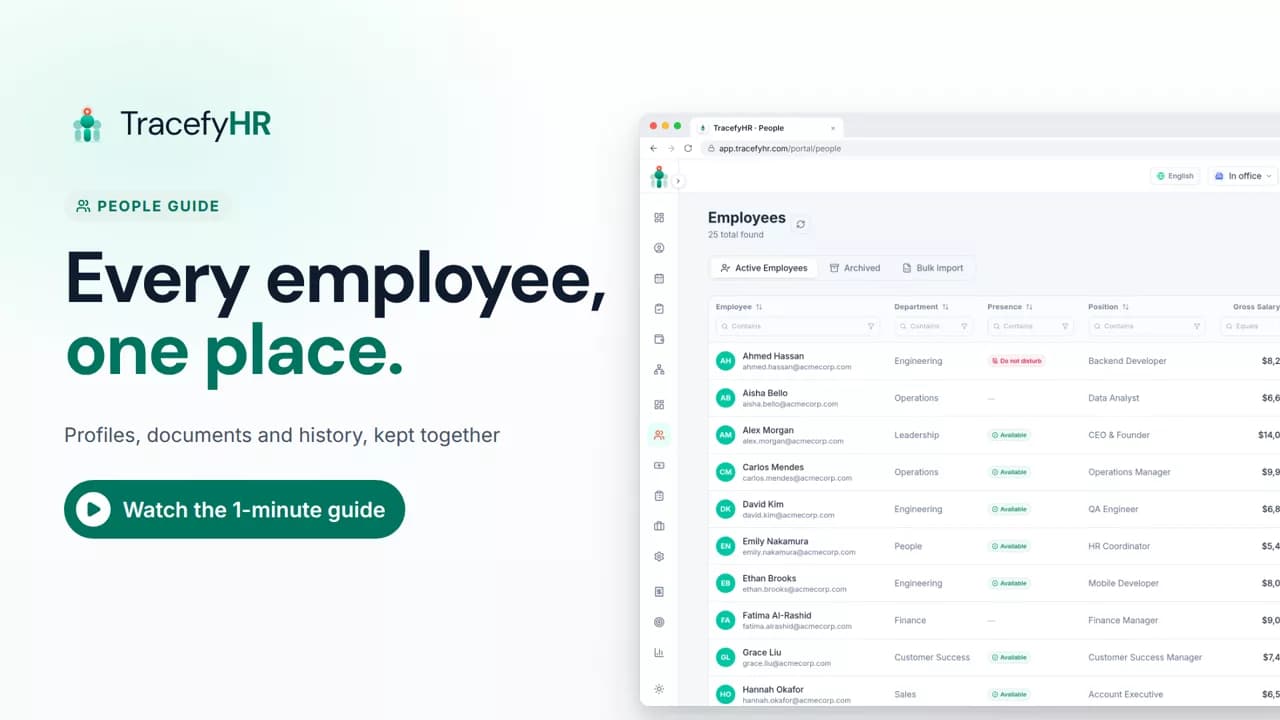
 Length 1:11
People: every employee in one place
See how TracefyHR People keeps every employee in one place: add someone in about a minute, import your team from Excel, open profiles and archive leavers.
For managers and HR
Hiring is built into TracefyHR, so you can post a job, collect applicants and move them to an offer in one place. In this short video a job is created in 5 short steps and published to the careers page, then applicants are reviewed and moved through the pipeline.
Prefer reading?
Hiring overview
The same task in the user guide, step by step with screenshots.
Open the articleThe full narration of the video. Select a time to jump to that moment.
0:01Hiring through email threads and spreadsheets? There's an easier way.
0:07Hiring is built into TracefyHR. Post a job, collect applicants, and move them to an offer.
0:16Create a job in 5 short steps.
0:22The role. The questions. Your stages. The emails. And where to post it.
0:31Publish it to your own careers page.
0:35Then share it to LinkedIn, Facebook, WhatsApp or email in a click.
Yes. Turn on your careers page and publish the job to it. You can then share the job to LinkedIn, Facebook, WhatsApp or email in a click.
Every application lands in the job's pipeline, in its first stage. From there you open each candidate, read their answers, add notes and move them toward an offer.
It's a place to keep good people who weren't right for this role, so you can find them again later.
Yes. Starter includes your careers page and up to 5 active jobs. Professional adds unlimited active jobs and hiring analytics.
Length 1:11See how TracefyHR People keeps every employee in one place: add someone in about a minute, import your team from Excel, open profiles and archive leavers.
For managers and HR
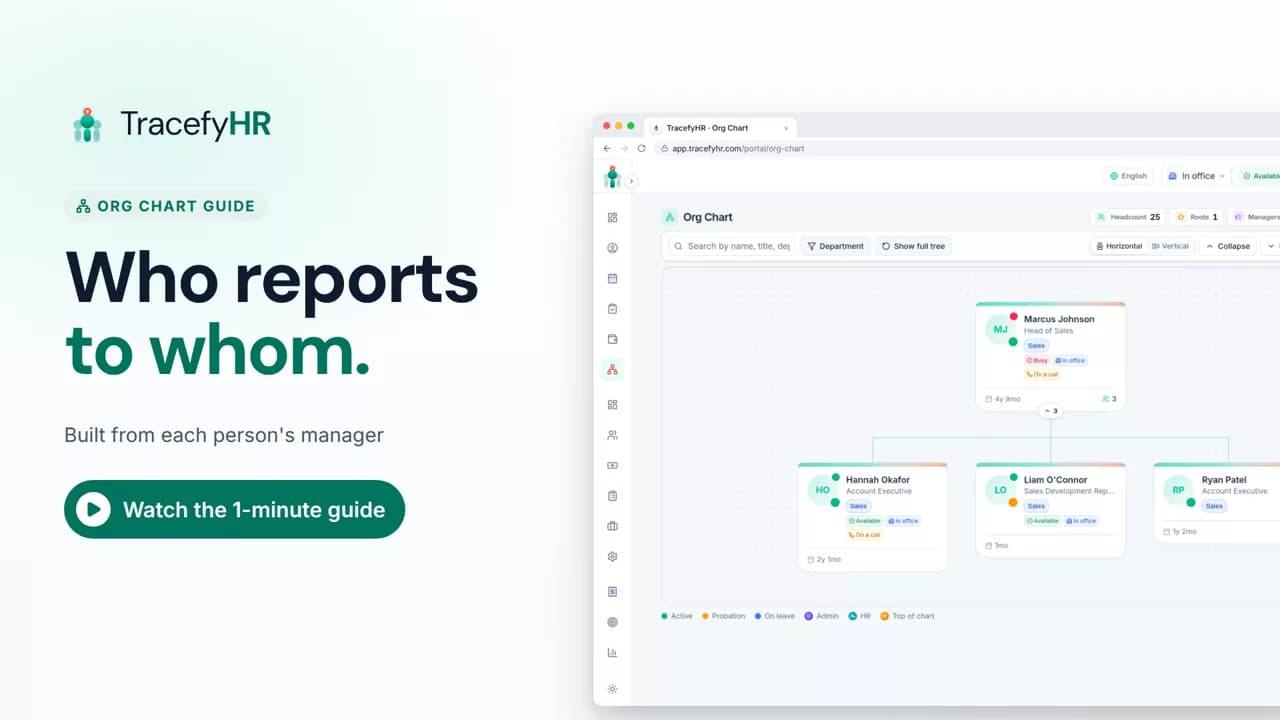 Length 0:51
See how the TracefyHR org chart builds itself from each person's manager: search for anyone, focus on one team, switch layouts and keep salaries off the chart.
For managers, HR and employees
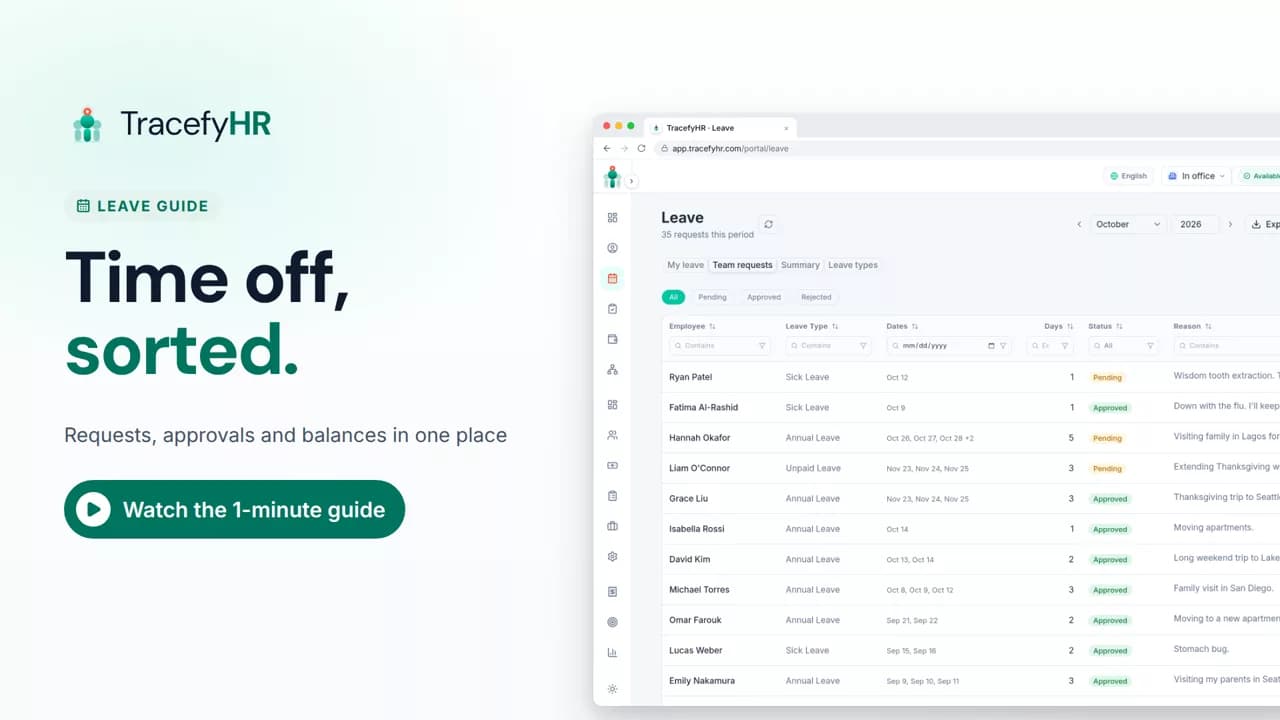 Length 1:11
Watch how TracefyHR handles leave: employees request time off and see their balance, managers approve in one click, and requests export to Excel.
For managers and HR
Set up your company, invite your team, and see if TracefyHR fits. Free for 30 days — no credit card required, cancel any time.