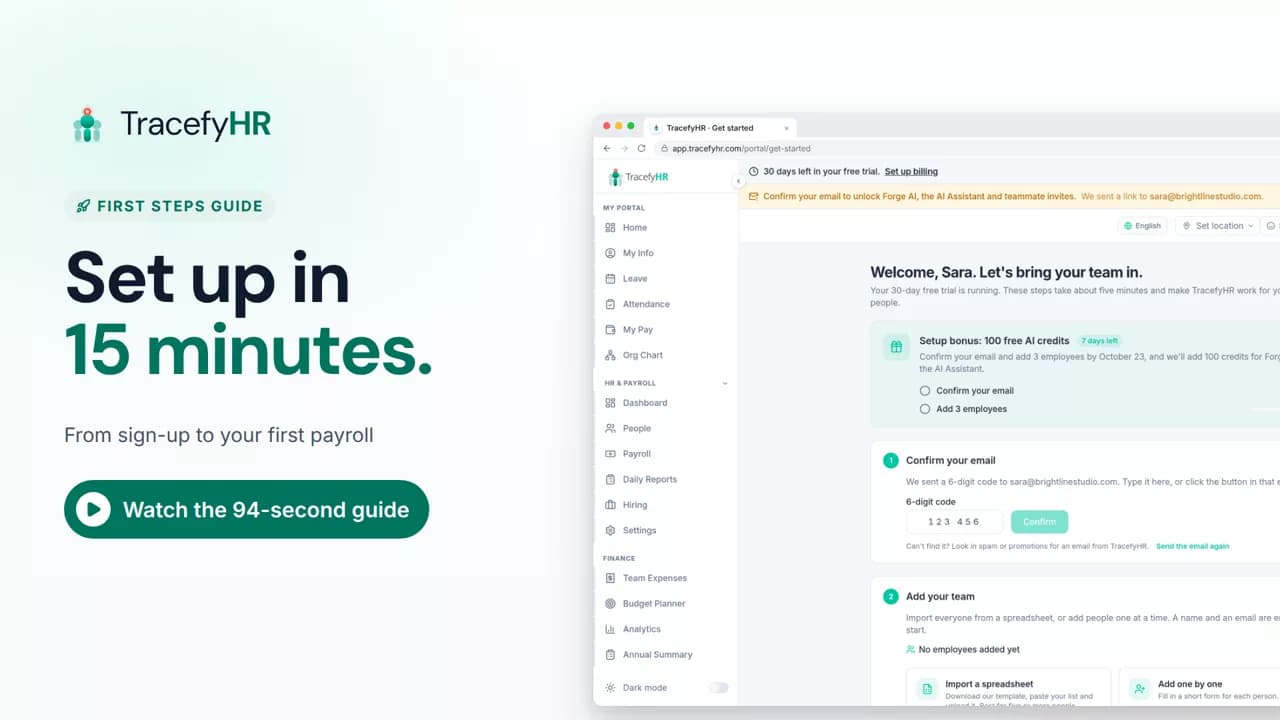
 Length 1:35
Set up TracefyHR in 15 minutes
Set up TracefyHR in about 15 minutes: confirm your email, add your first employee, add your logo, invite your HR lead and run your first payroll, step by step.
For owners
VIDEO GUIDES
Short videos of the real app, each about a minute long. Every guide has chapters you can jump to, captions, and a full transcript.
Sign up, set up your company and find your way around.
Length 1:35Set up TracefyHR in about 15 minutes: confirm your email, add your first employee, add your logo, invite your HR lead and run your first payroll, step by step.
For owners
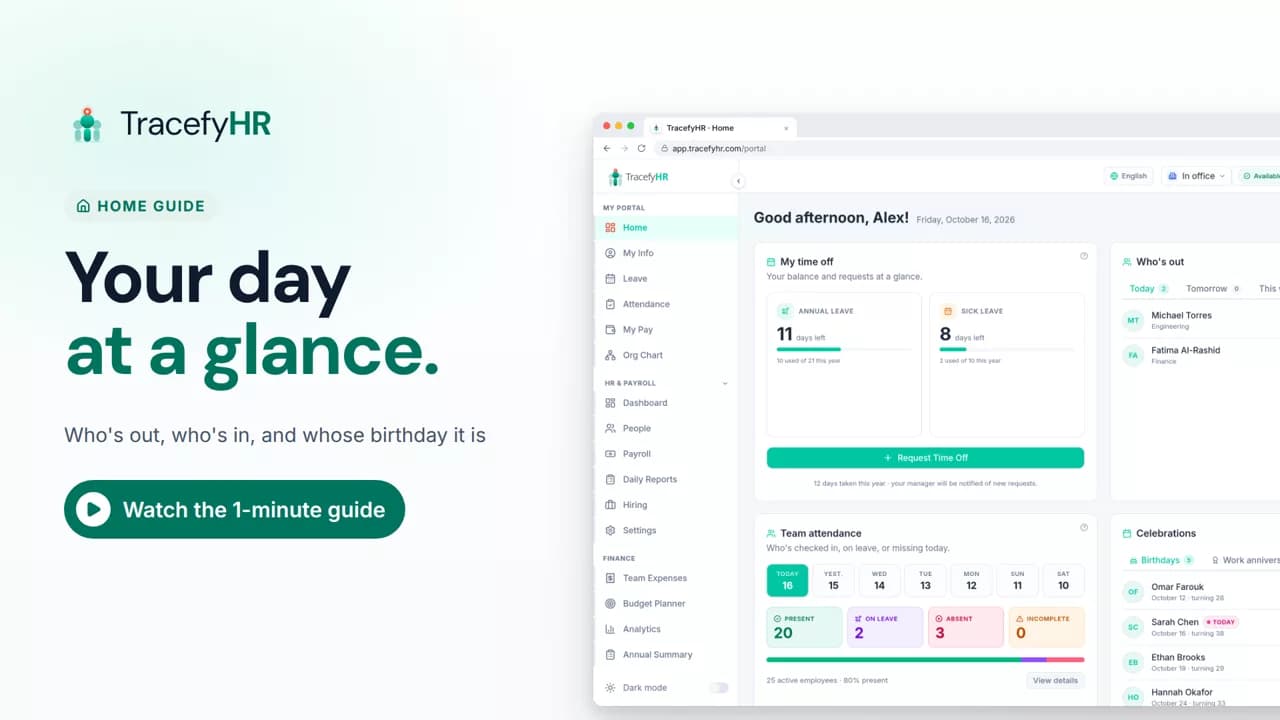 Length 0:51
See the TracefyHR Home page: who's out today, tomorrow or this week, who has checked in, upcoming birthdays and work anniversaries, and your own time off.
For managers, HR and employees
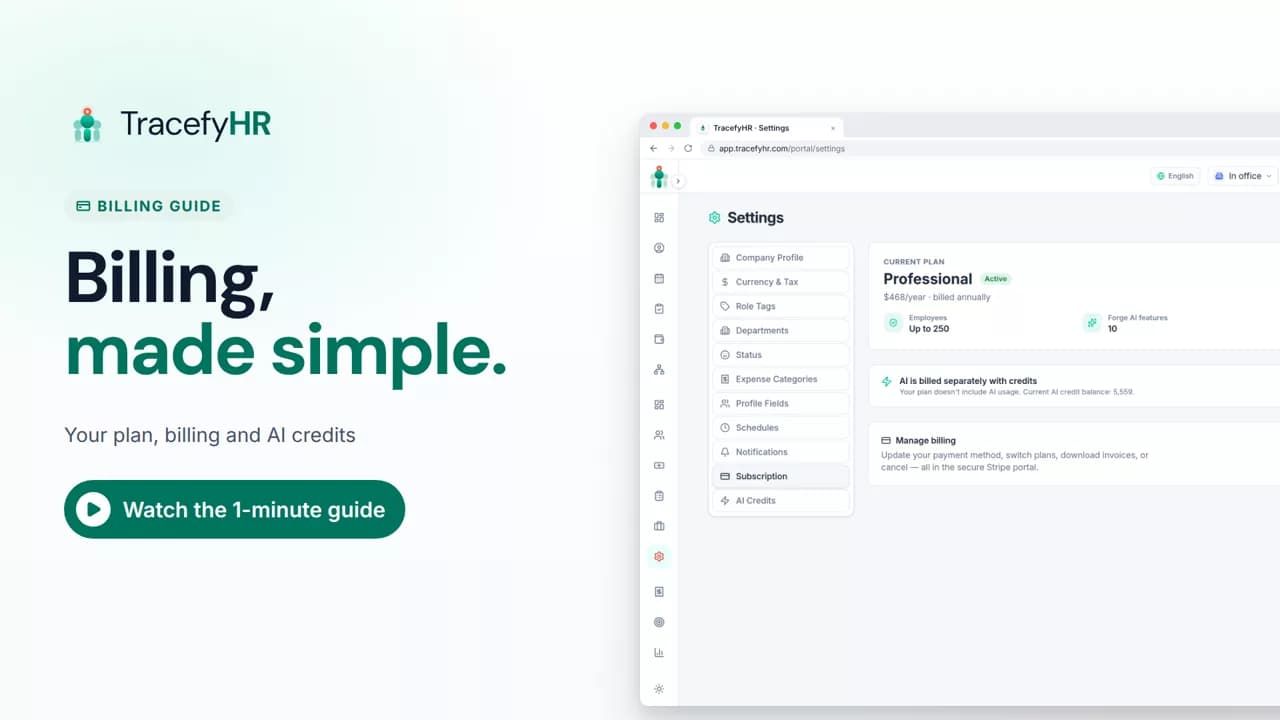 Length 0:57
See how TracefyHR billing works: one flat price for your whole team, plan changes from the billing portal, and AI credits that never expire, from $5 a pack.
For managers
Employee records, the org chart, leave, attendance and hiring.
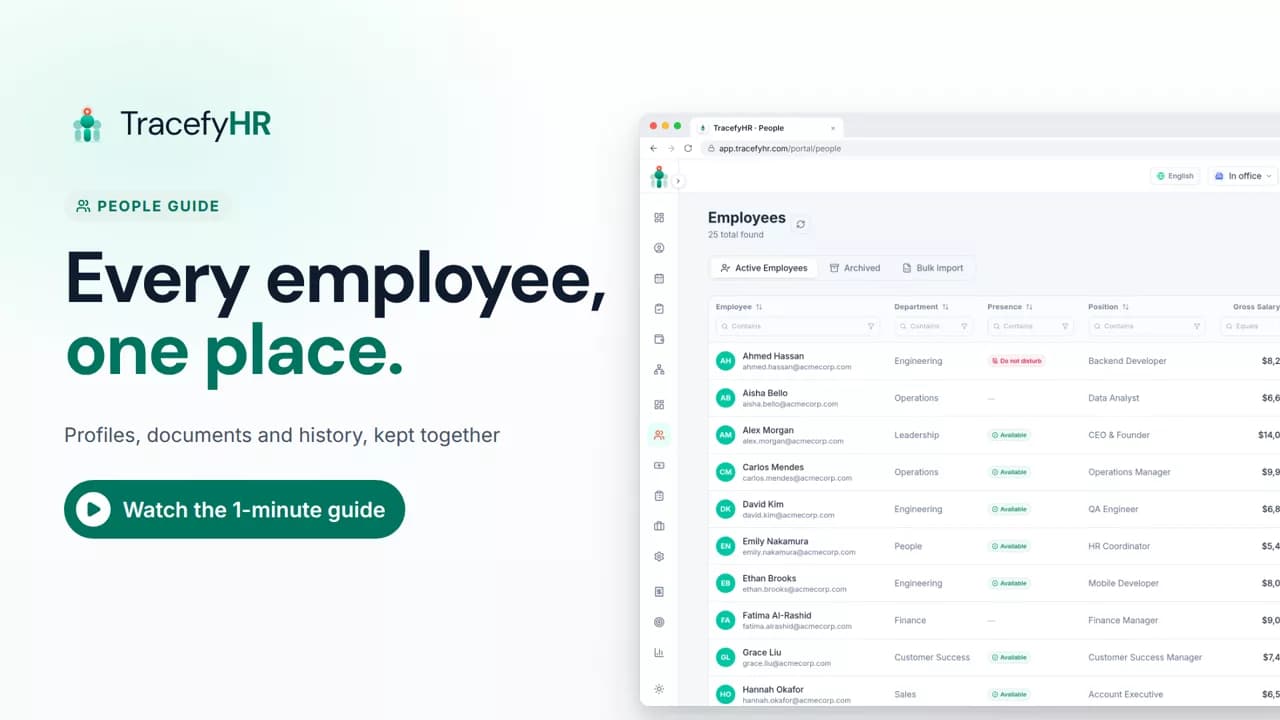 Length 1:11
See how TracefyHR People keeps every employee in one place: add someone in about a minute, import your team from Excel, open profiles and archive leavers.
For managers and HR
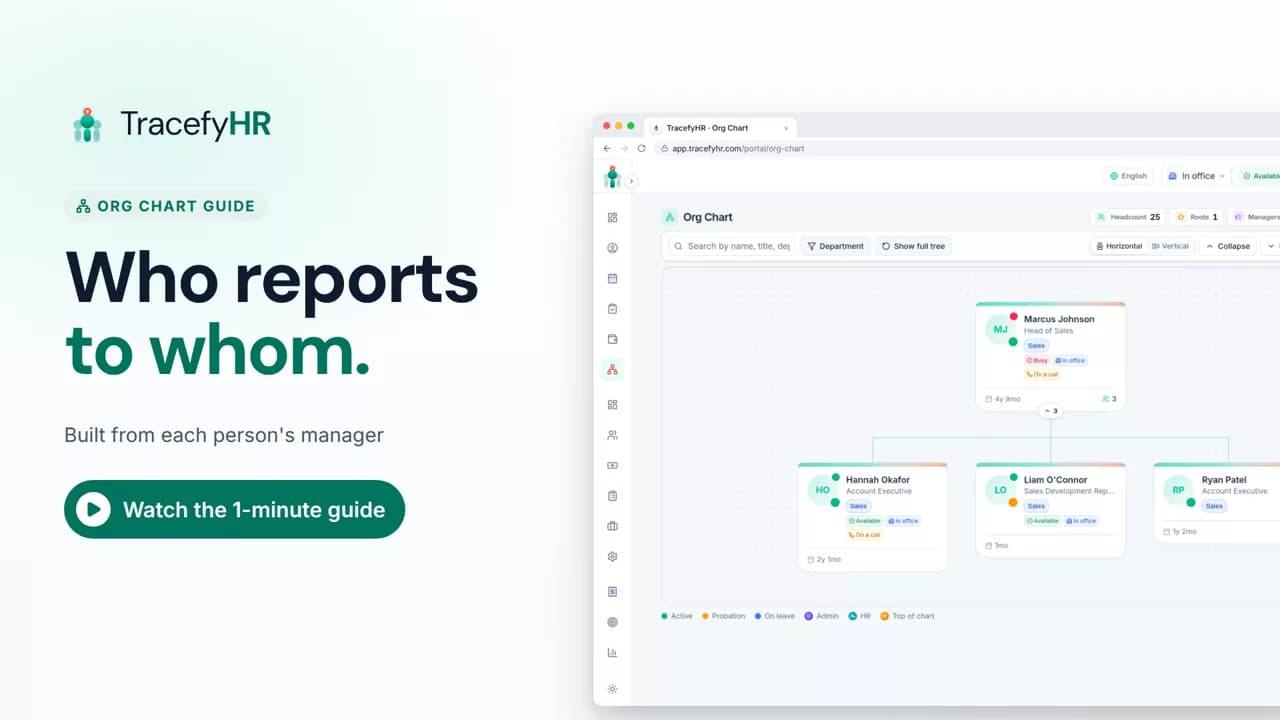 Length 0:51
See how the TracefyHR org chart builds itself from each person's manager: search for anyone, focus on one team, switch layouts and keep salaries off the chart.
For managers, HR and employees
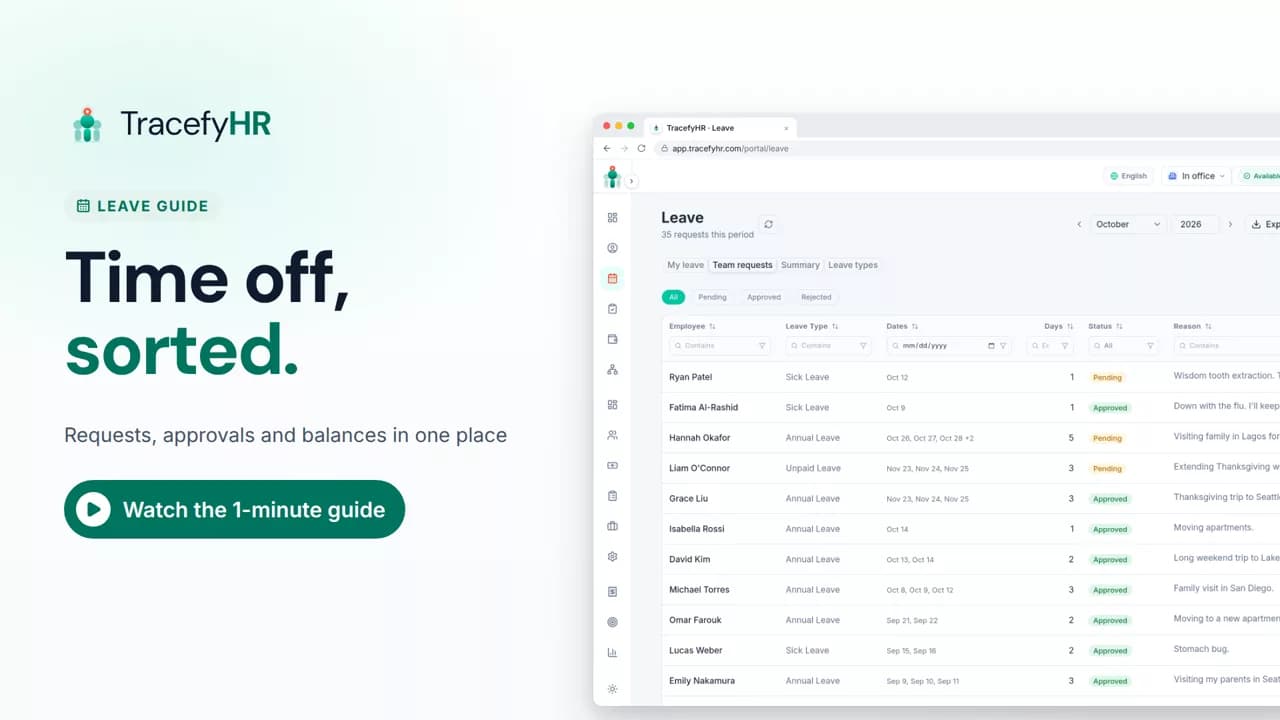 Length 1:11
Watch how TracefyHR handles leave: employees request time off and see their balance, managers approve in one click, and requests export to Excel.
For managers and HR
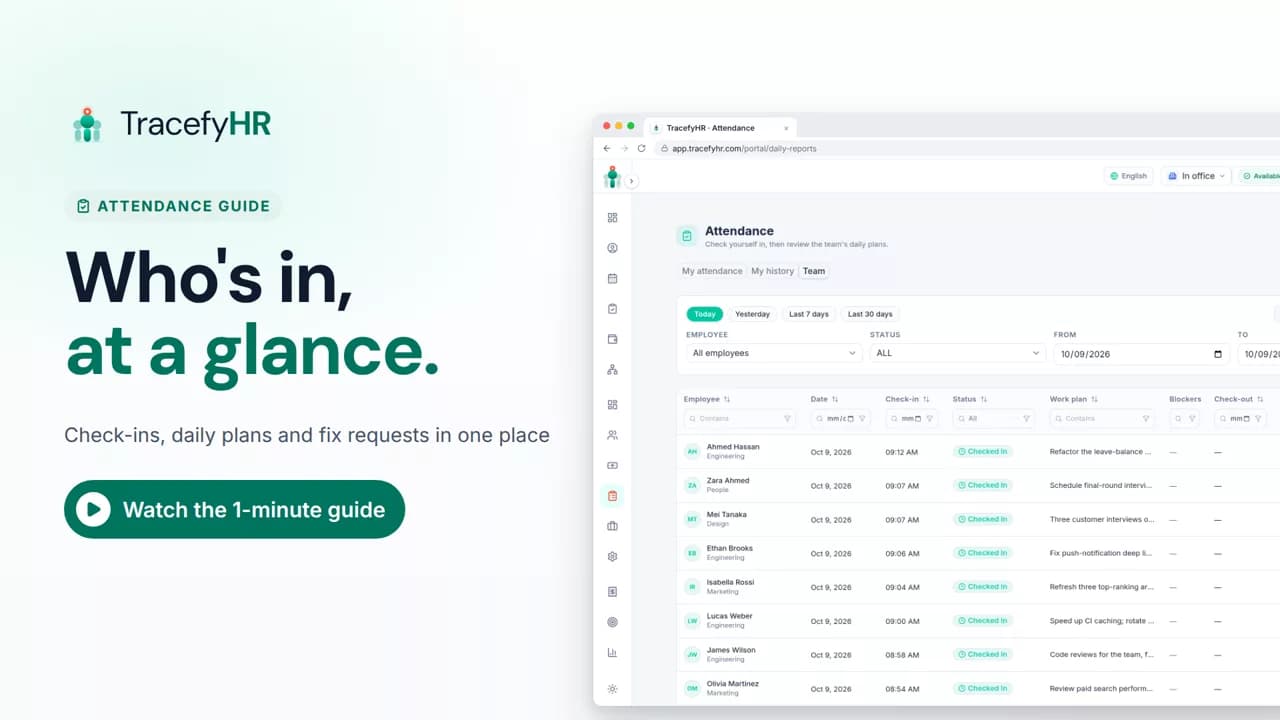 Length 1:14
See how TracefyHR attendance works: staff check in on the web or mobile app with a daily plan, and managers see who is in, approve fixes and export to Excel.
For managers, HR and employees
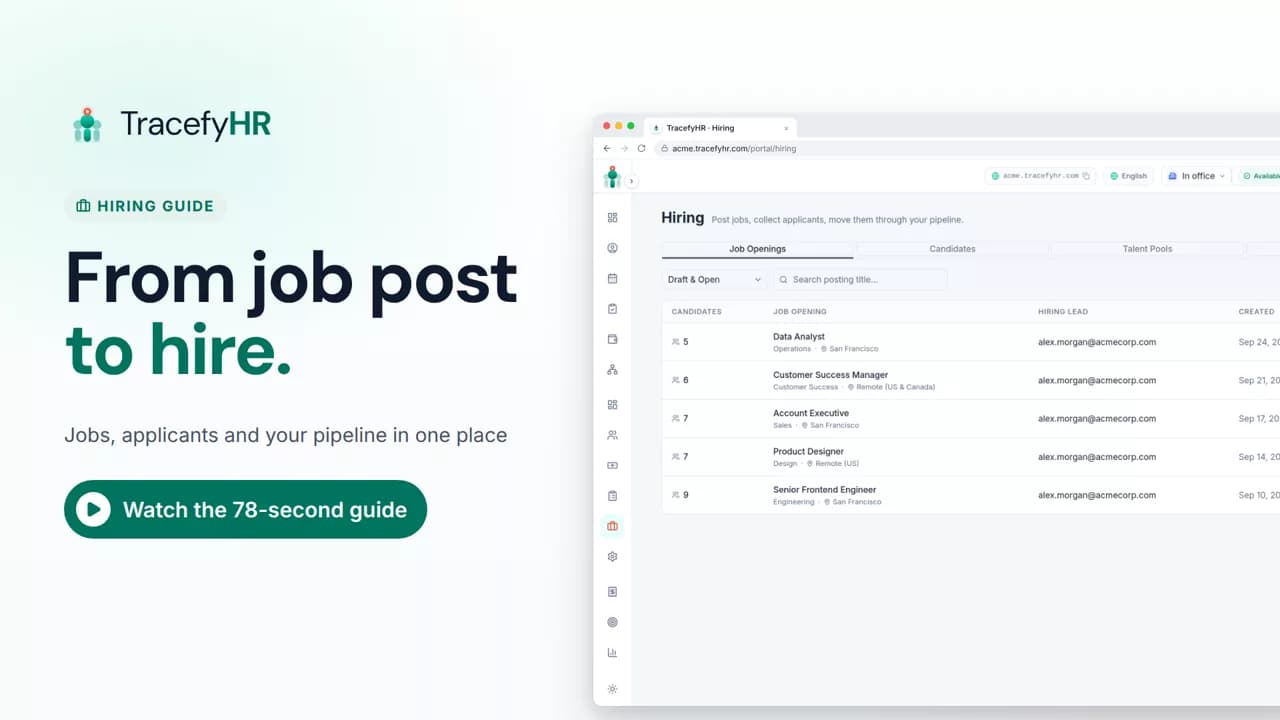 Length 1:19
See how hiring works in TracefyHR: create a job in 5 steps, publish it to your careers page, share it in a click, and track every applicant in one pipeline.
For managers and HR
Payroll, team expenses, budgets and the numbers behind them.
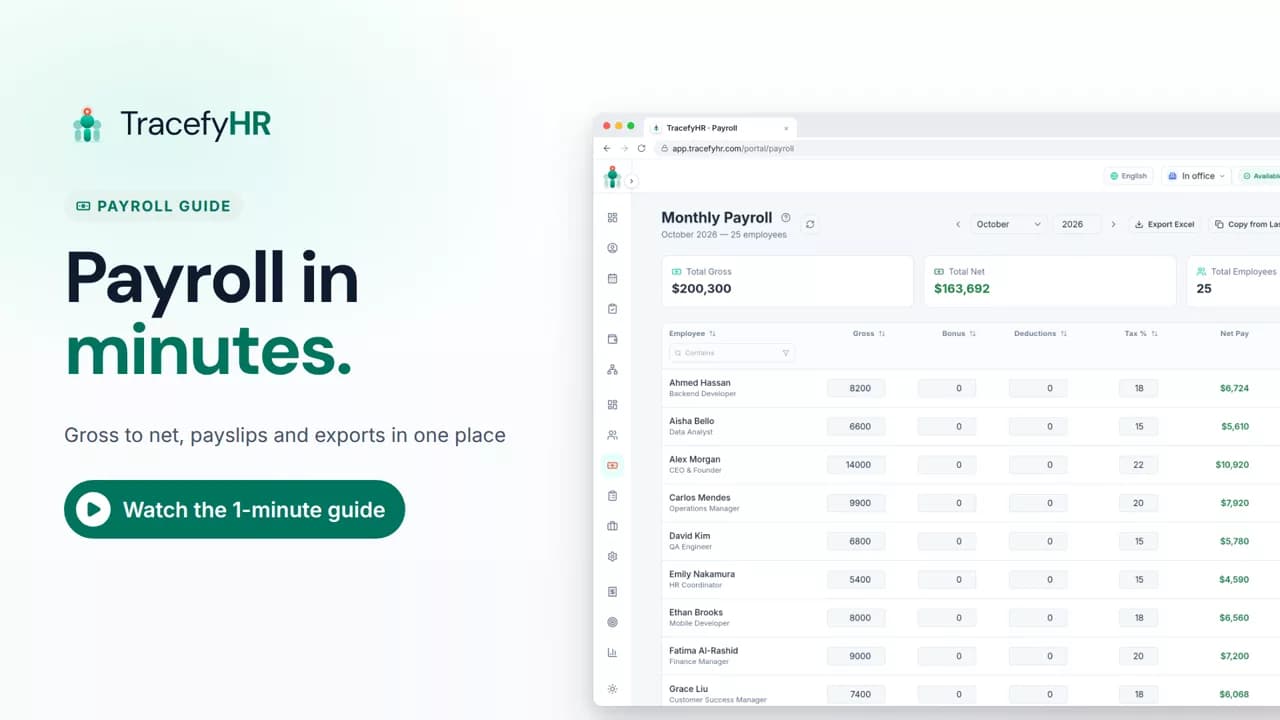 Length 1:13
Watch how TracefyHR payroll works: copy last month, add a bonus and see net pay update live, finalize to lock the month, and give everyone a PDF payslip.
For managers and HR
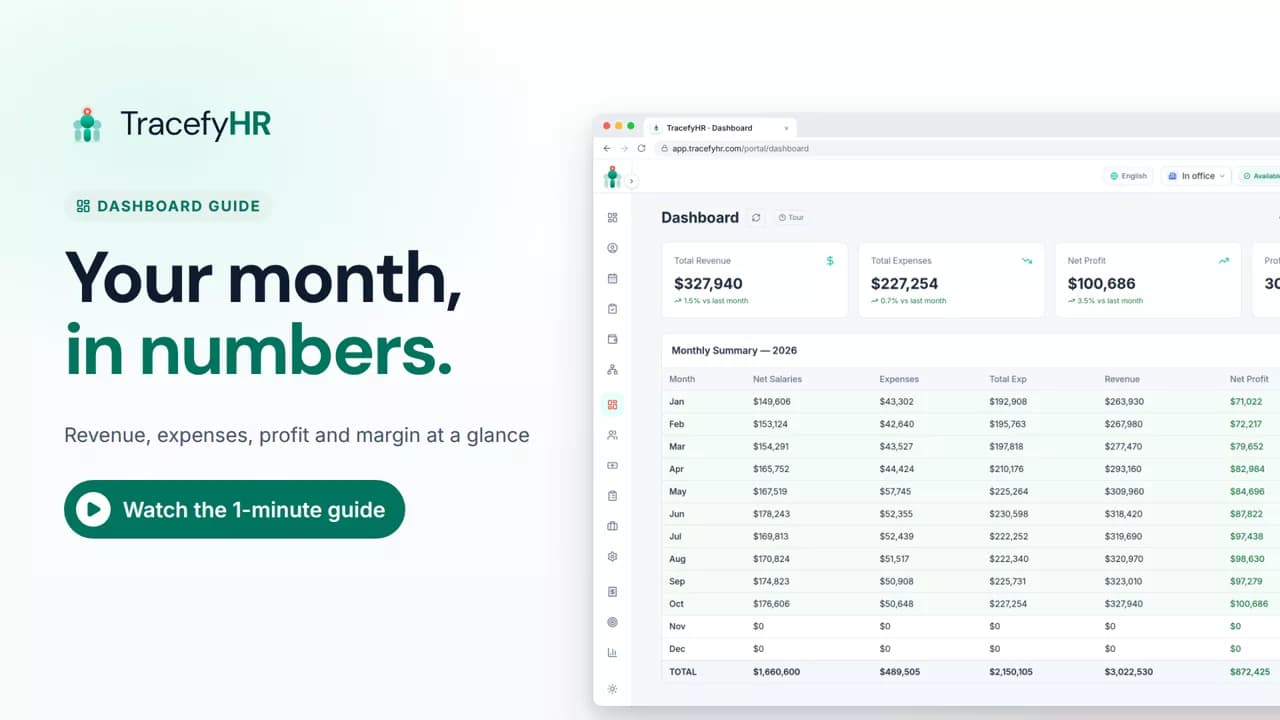 Length 0:51
See how the TracefyHR Dashboard shows revenue, expenses, net profit and margin for any month, built from payroll and approved expenses, with a year summary.
For managers
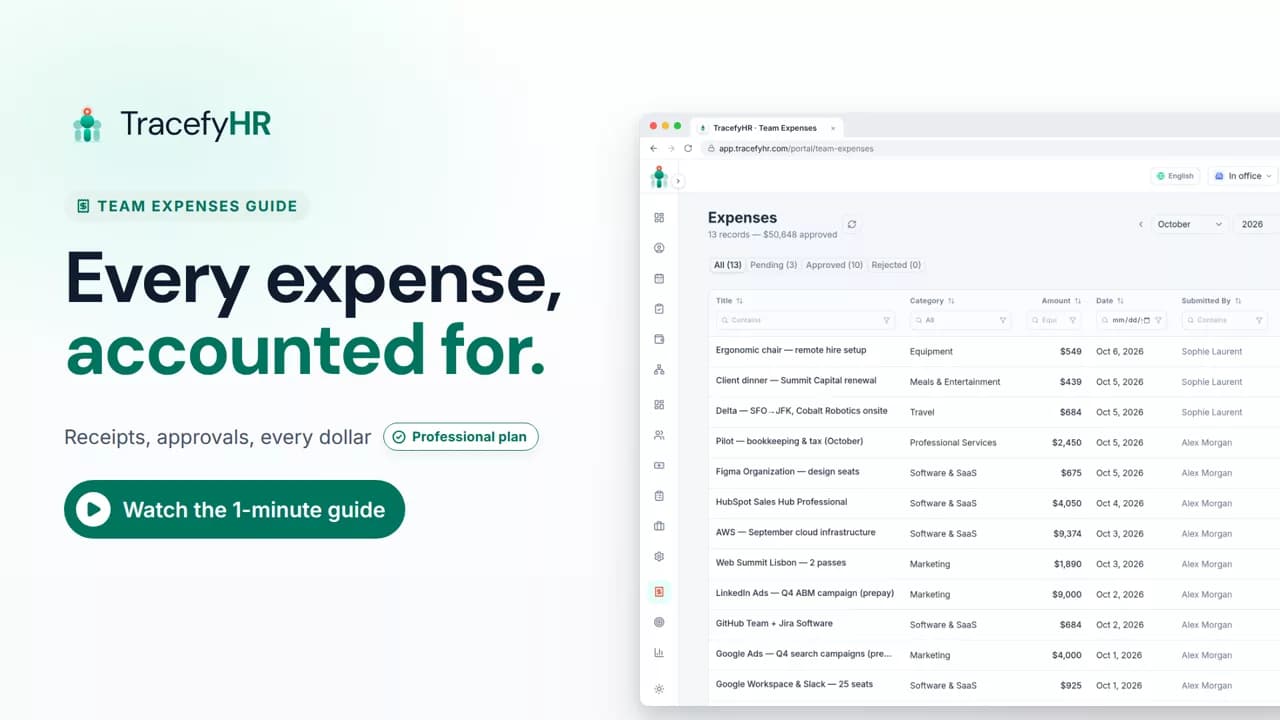 Length 1:14
See how TracefyHR Team Expenses works: log an expense with its receipt, approve or reject it in one click, export any month to Excel, and update your budget.
For managers and HR
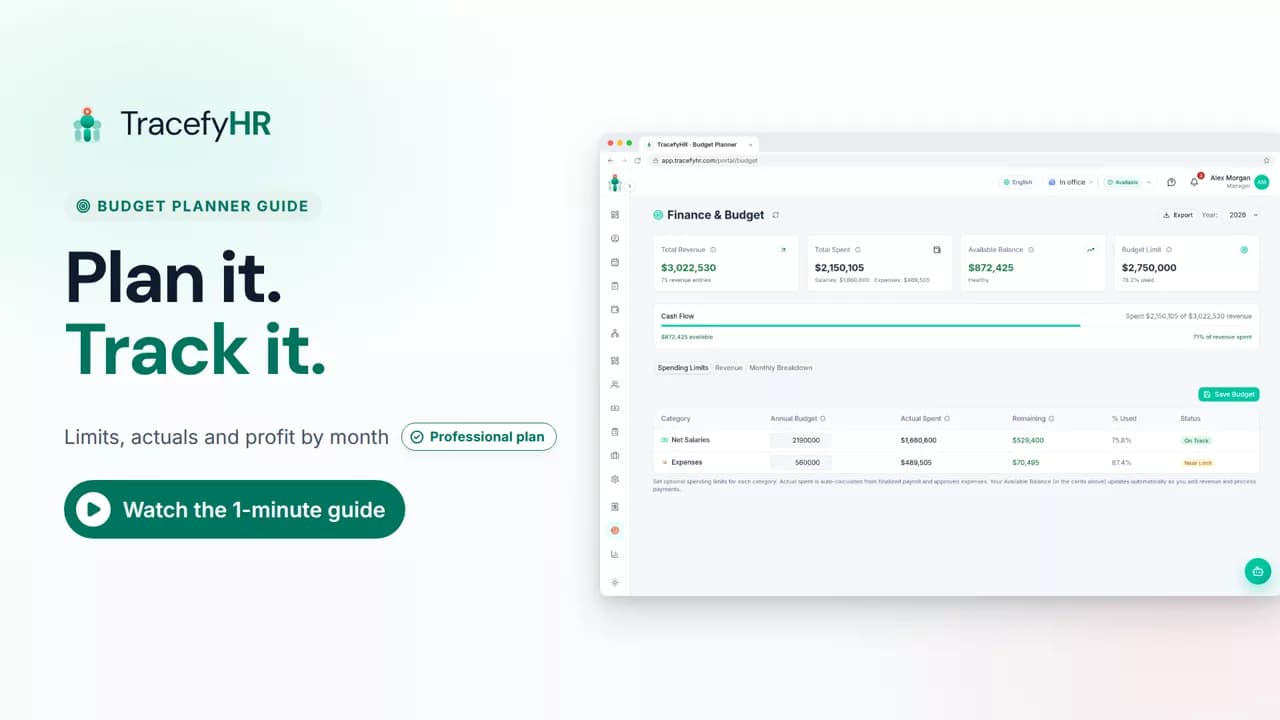 Length 0:58
See how TracefyHR Budget Planner works: set yearly spending limits, watch actual spending fill in from payroll and expenses, and log revenue from each client.
For managers
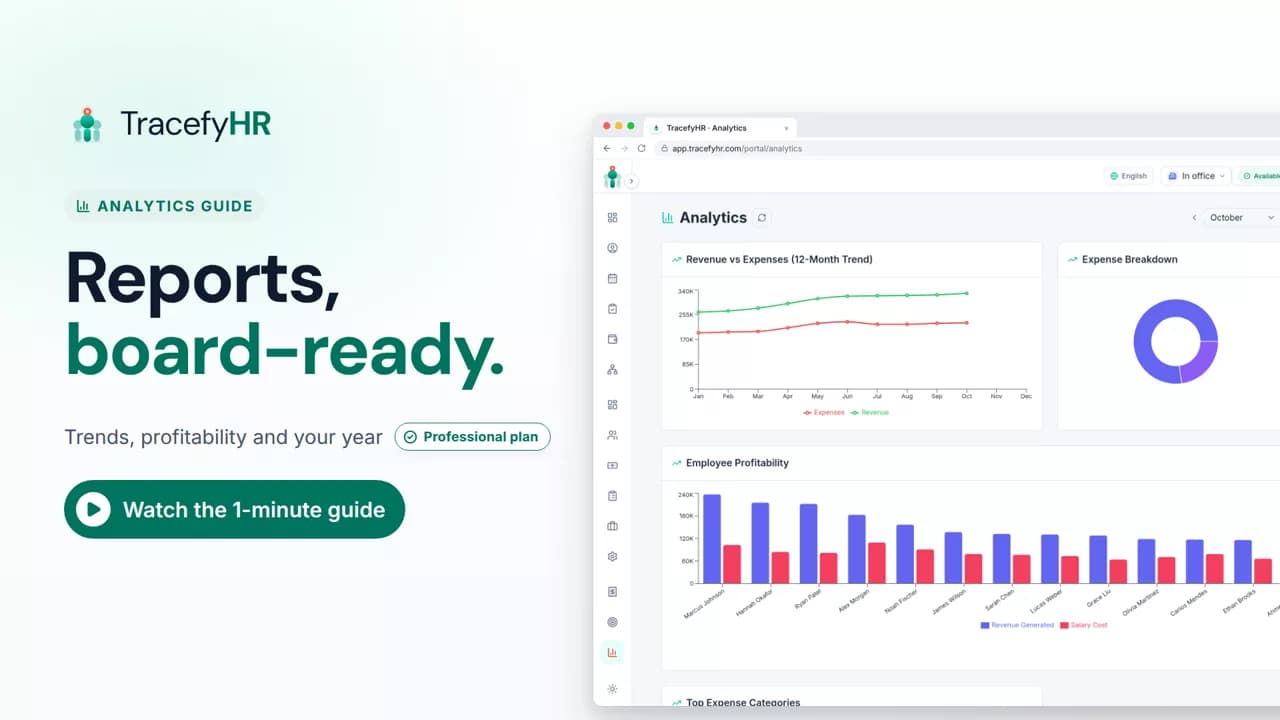 Length 0:52
See how TracefyHR Analytics turns payroll, expenses and revenue into clear charts, rolls up your whole year in an annual summary, and exports it to Excel.
For managers
Forge AI and the AI Assistant, paid as you go with AI credits.
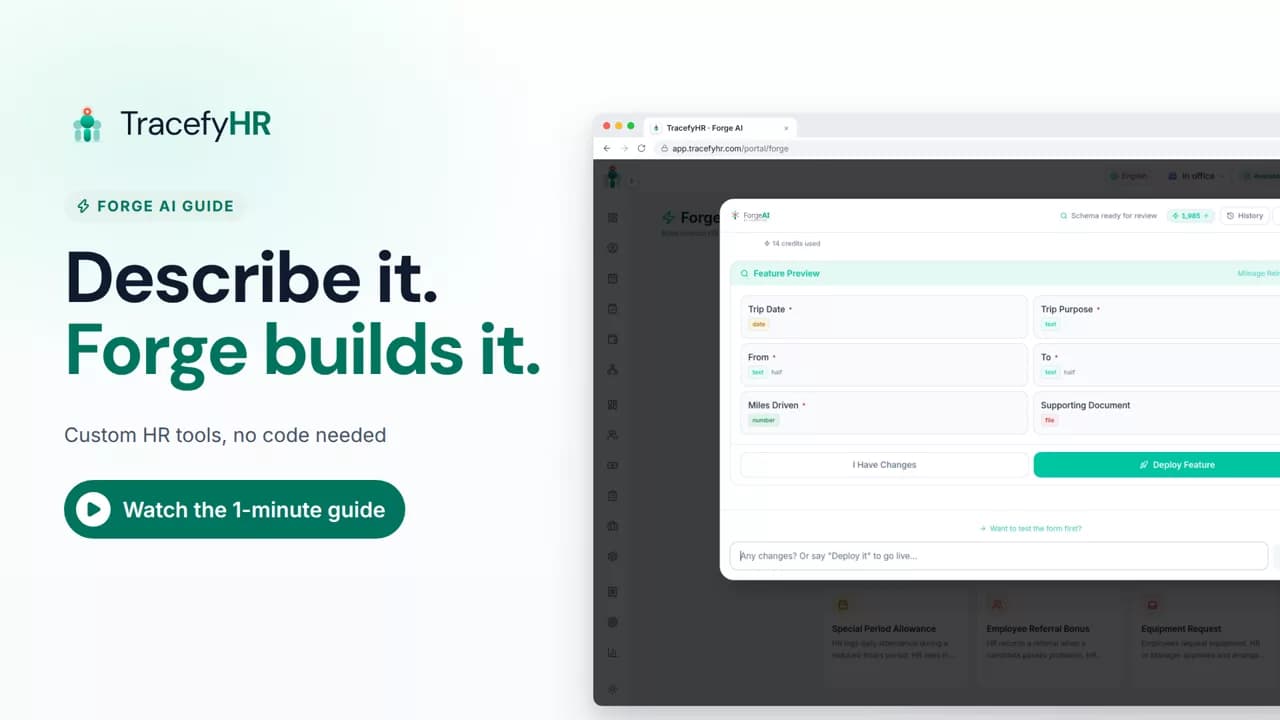 Length 1:08
See how Forge AI in TracefyHR builds an HR tool from plain words: describe it, review the fields and approval step, deploy, and your team uses it right away.
For managers
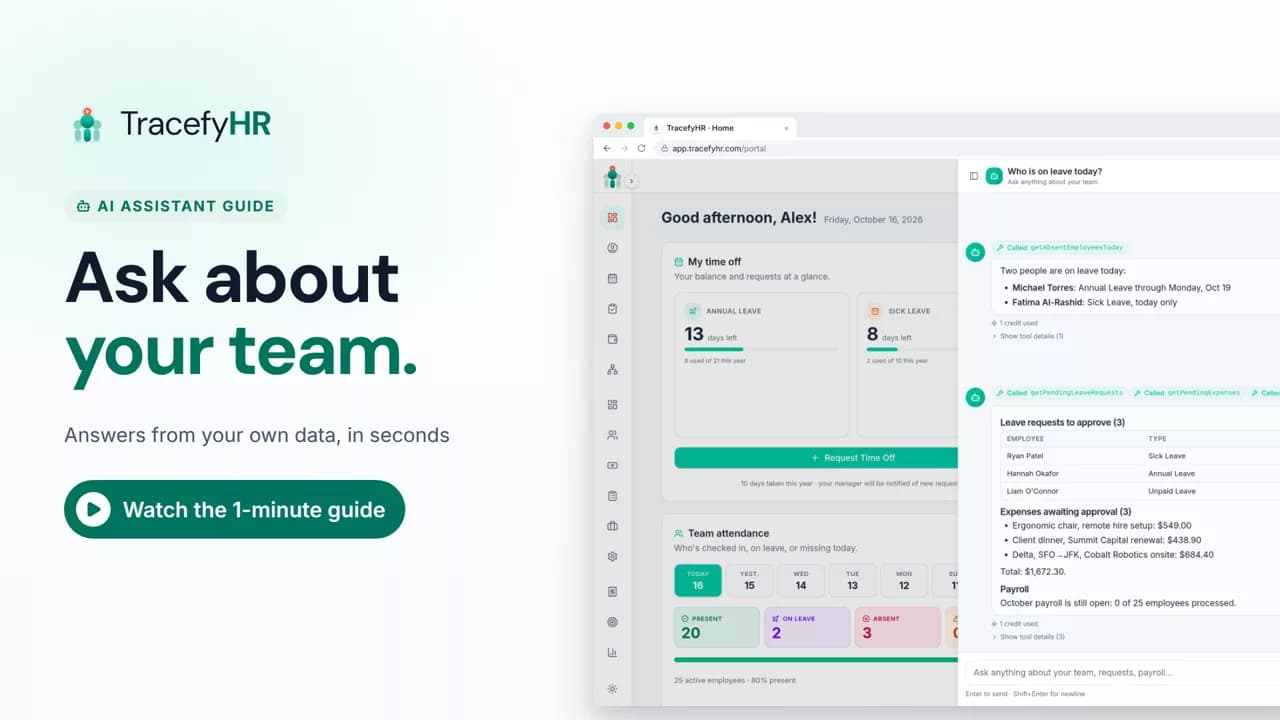 Length 0:54
See the TracefyHR AI Assistant answer team questions in plain language, like who is on leave today and what needs your approval, usually for about 1 AI credit each.
For managers and HR
Make TracefyHR fit the way your company works.
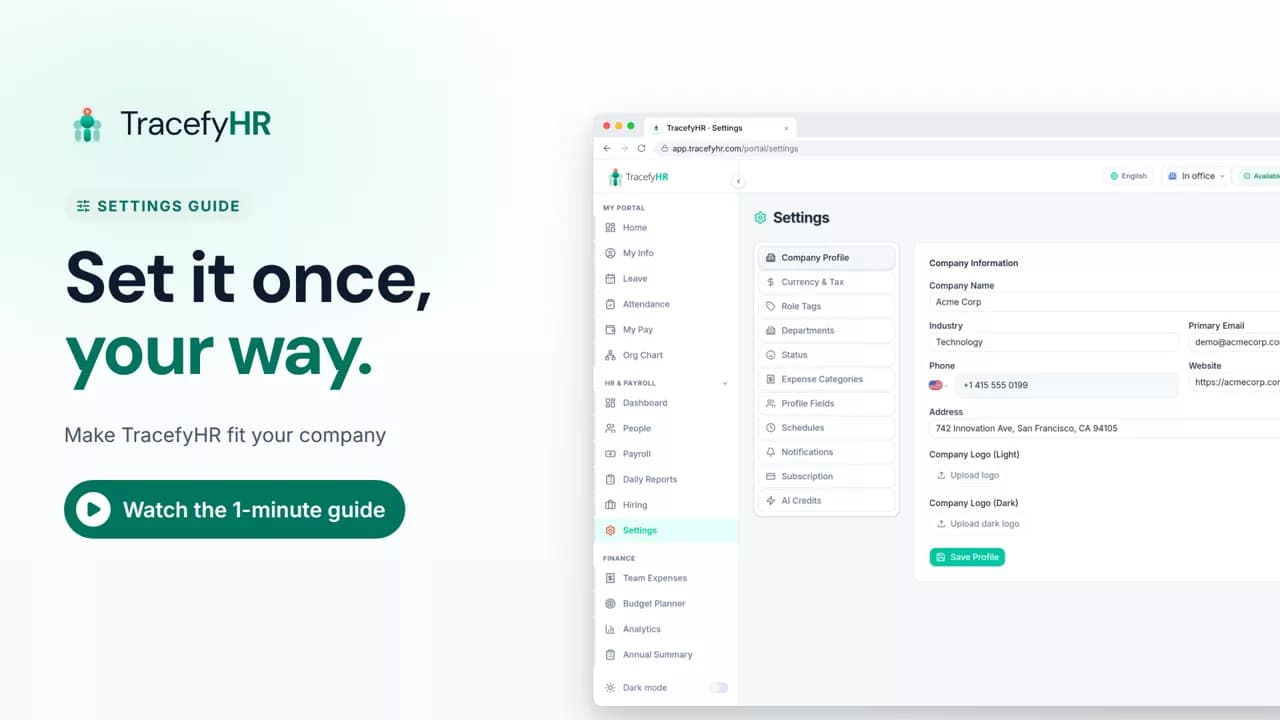 Length 1:11
See how to set up TracefyHR for your company: add your logo, choose from 18 currencies, add departments, set work schedules and create your own profile fields.
For managers
What your team sees when they sign in.
 Length 1:12
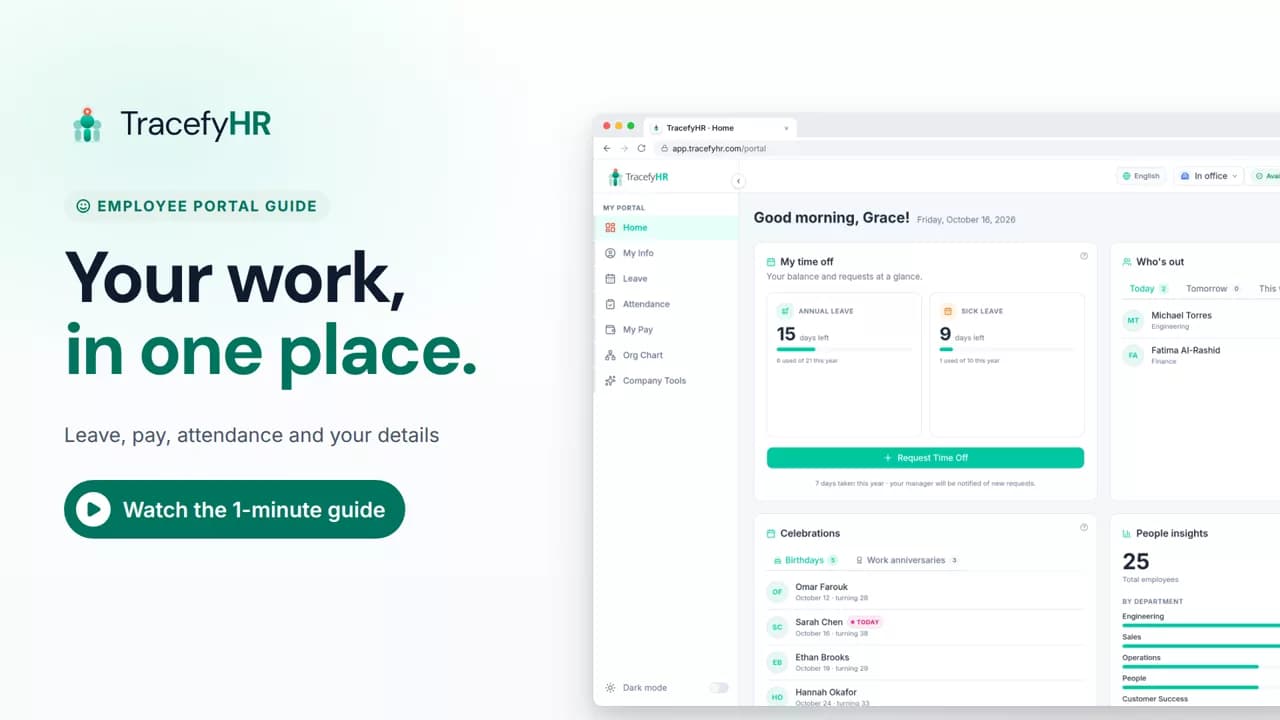
See the TracefyHR employee portal: check in to start your day, request time off and see your balance, download payslips as a PDF, and keep your details current.
For employees
The user guide walks through every task, with screenshots, for employees, HR and managers.
Set up your company, invite your team, and see if TracefyHR fits. Free for 30 days — no credit card required, cancel any time.