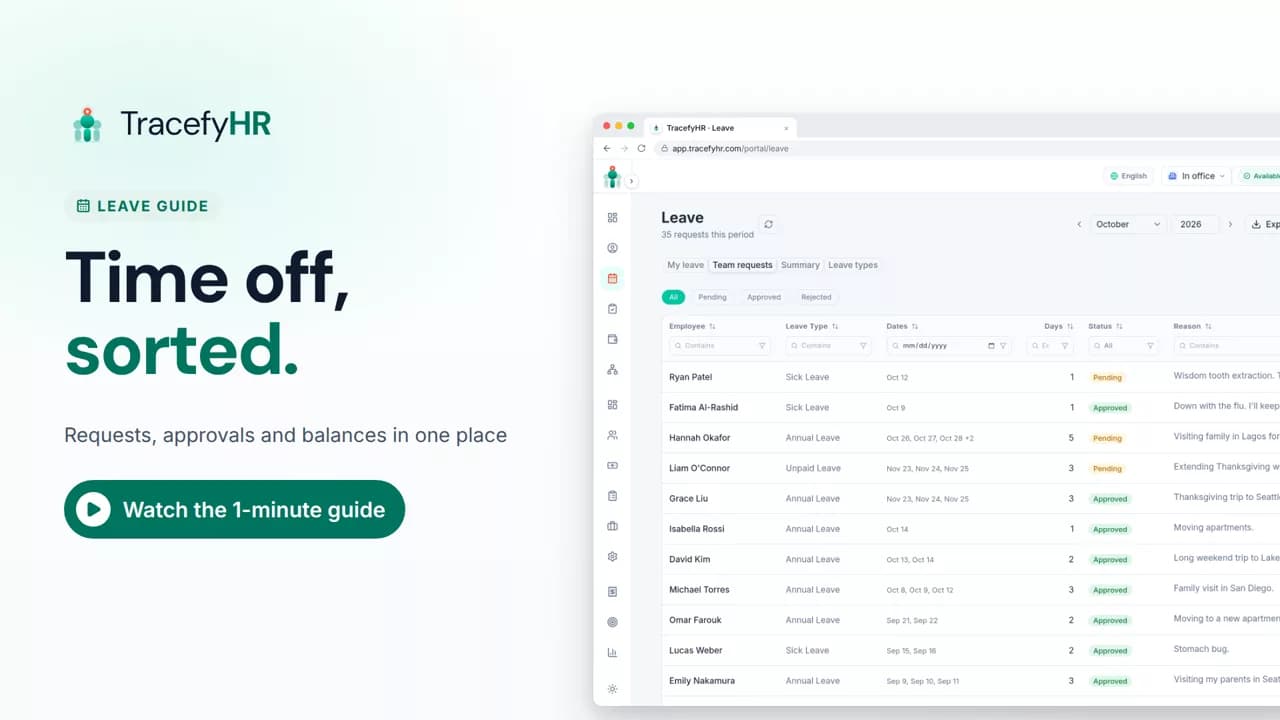
 Length 1:11
Leave: requests and approvals in one click
Watch how TracefyHR handles leave: employees request time off and see their balance, managers approve in one click, and requests export to Excel.
For managers and HR
Employees request time off and see their balance, managers approve in one click, and everyone can see who is out this week.
30-day free trial · No credit card required · Flat from $20/month
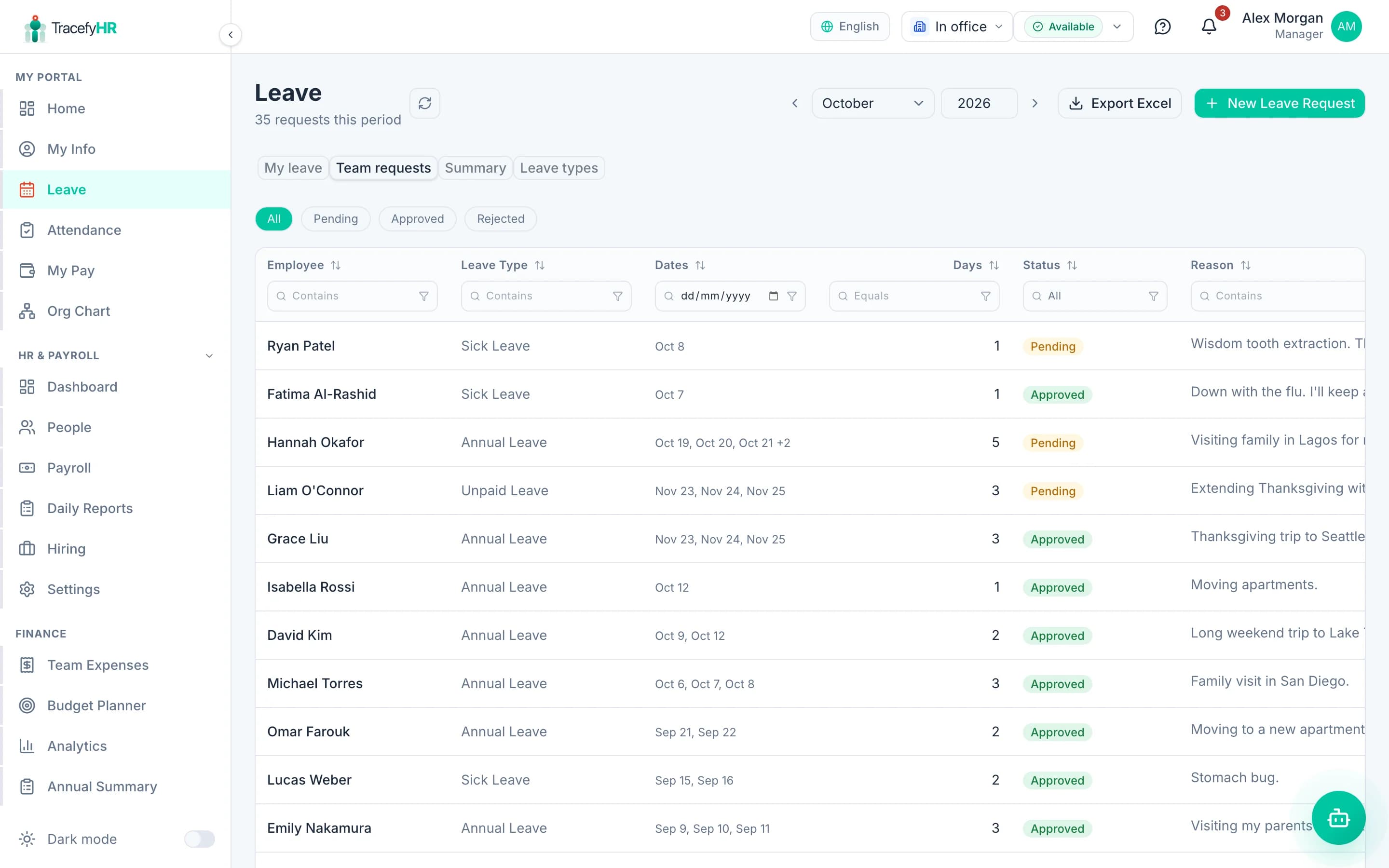
Leave tracked over email and a shared spreadsheet causes the same arguments every year: balances nobody trusts, two people off on the same day, and requests approved in a chat that never reach the tracker. TracefyHR gives every request one path: the employee asks, their manager decides, and the balance updates.
You define your own leave types, such as annual, sick or unpaid, with a yearly allowance and the notice you expect. Employees see what they have left before they ask, on the web or in the mobile app, and managers see the team calendar of who is out today, tomorrow and this week.
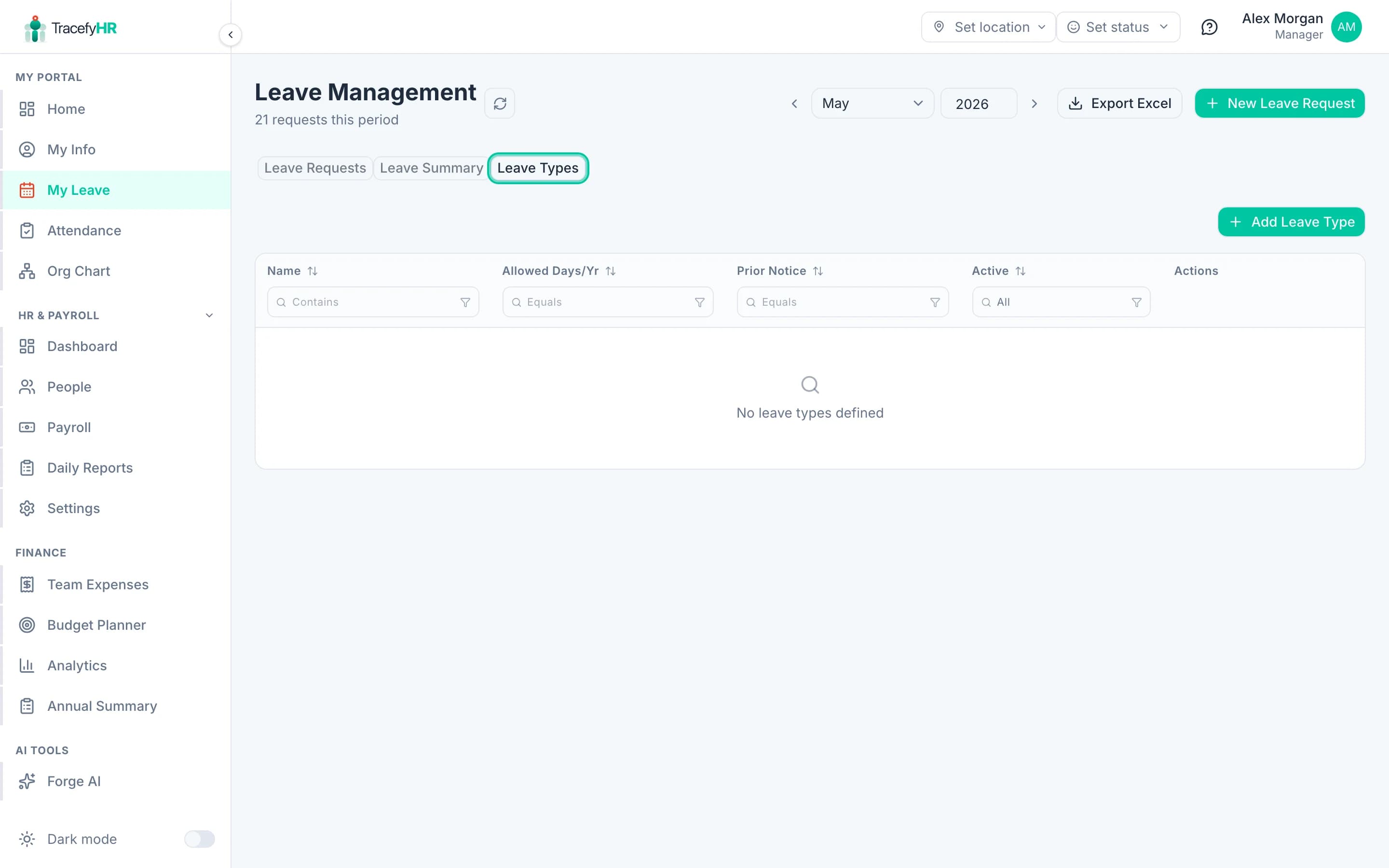
Create the leave types your policy uses, each with a yearly allowance (or unlimited) and a minimum notice period.
Each person's balance is their yearly allowance minus approved days, shown before they submit a request.
Request a single day, a date range, or separate days that are not next to each other, in one request.
Requests go to the employee's manager. Approve, or reject with a reason the employee can see.
Requests and decisions arrive by email, in the app and as push notifications on the phone.
The home page shows who is out today, tomorrow and this week, so clashes are spotted before they are approved.
HR can enter a leave request for an employee, for example after a phone call.
See leave taken by person and type, and export it to Excel.
Add your leave types with yearly allowances and notice periods in settings.
They pick the type and dates on the web or in the app, and see their remaining balance.
The request goes to their manager, who approves or rejects it with a reason.
The balance and the who's-out view update straight away, and the summary exports to Excel.
Length 1:11Watch how TracefyHR handles leave: employees request time off and see their balance, managers approve in one click, and requests export to Excel.
For managers and HR
Dedicated leave trackers often charge a few dollars per user per month. TracefyHR includes leave management in every plan alongside attendance and payroll, at one flat price: $20 a month for up to 15 employees or $49 for up to 50.
Starter
$20/mo
Up to 15 employees
Professional
$49/mo
Up to 50 employees
Business
$99/mo
Up to 150 employees
Enterprise
From $199/mo
150+ employees, SSO, SLA
Annual billing saves 20%. Outgrow a plan and you move up to the next one; there is never a per-employee fee. AI features run on pay-as-you-go credits. Full pricing
Each leave type has a yearly allowance. A person's balance is that allowance minus the days already approved in the current calendar year. You can also set a type to unlimited.
Yes. The free TracefyHR app for iPhone and Android shows balances and lets employees request time off, and managers can approve from their phone.
The employee's manager, based on who they report to in TracefyHR. The manager approves or rejects, and a rejection can include a reason.
Not today. Leave is booked in whole days, and balances work as a yearly allowance rather than an accrual that builds up each month. Carry-over between years is not supported.
Yes. The home page has a who's-out card for today, tomorrow and this week.
It is included in every plan, from $20 a month flat for up to 15 employees ($49 for up to 50), with a 30-day free trial and no credit card required.
Set up in about 15 minutes. Import your team from Excel, and your 30-day trial starts without a credit card.