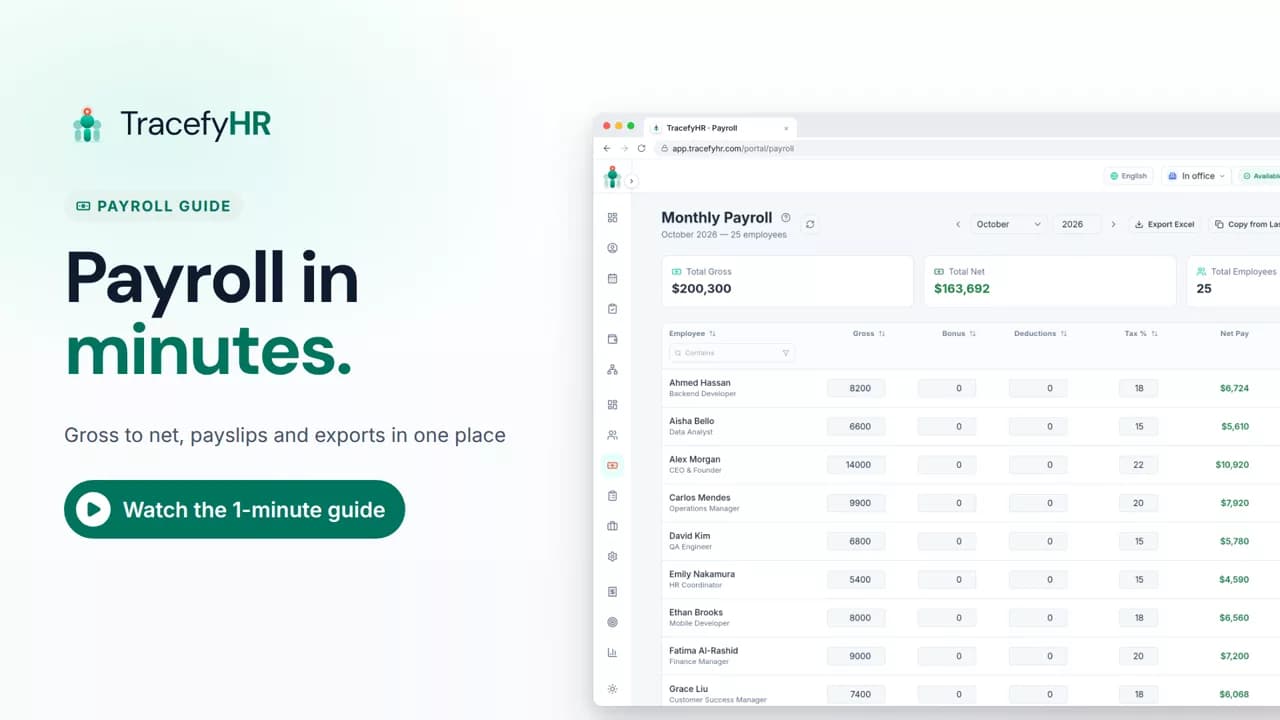
 Length 1:13
Payroll in minutes, not days
Watch how TracefyHR payroll works: copy last month, add a bonus and see net pay update live, finalize to lock the month, and give everyone a PDF payslip.
For managers and HR
Prepare the month, lock it, and download the bank or WPS file your bank needs. Every employee gets a PDF payslip. One flat price, not a fee per head.
30-day free trial · No credit card required · Flat from $20/month
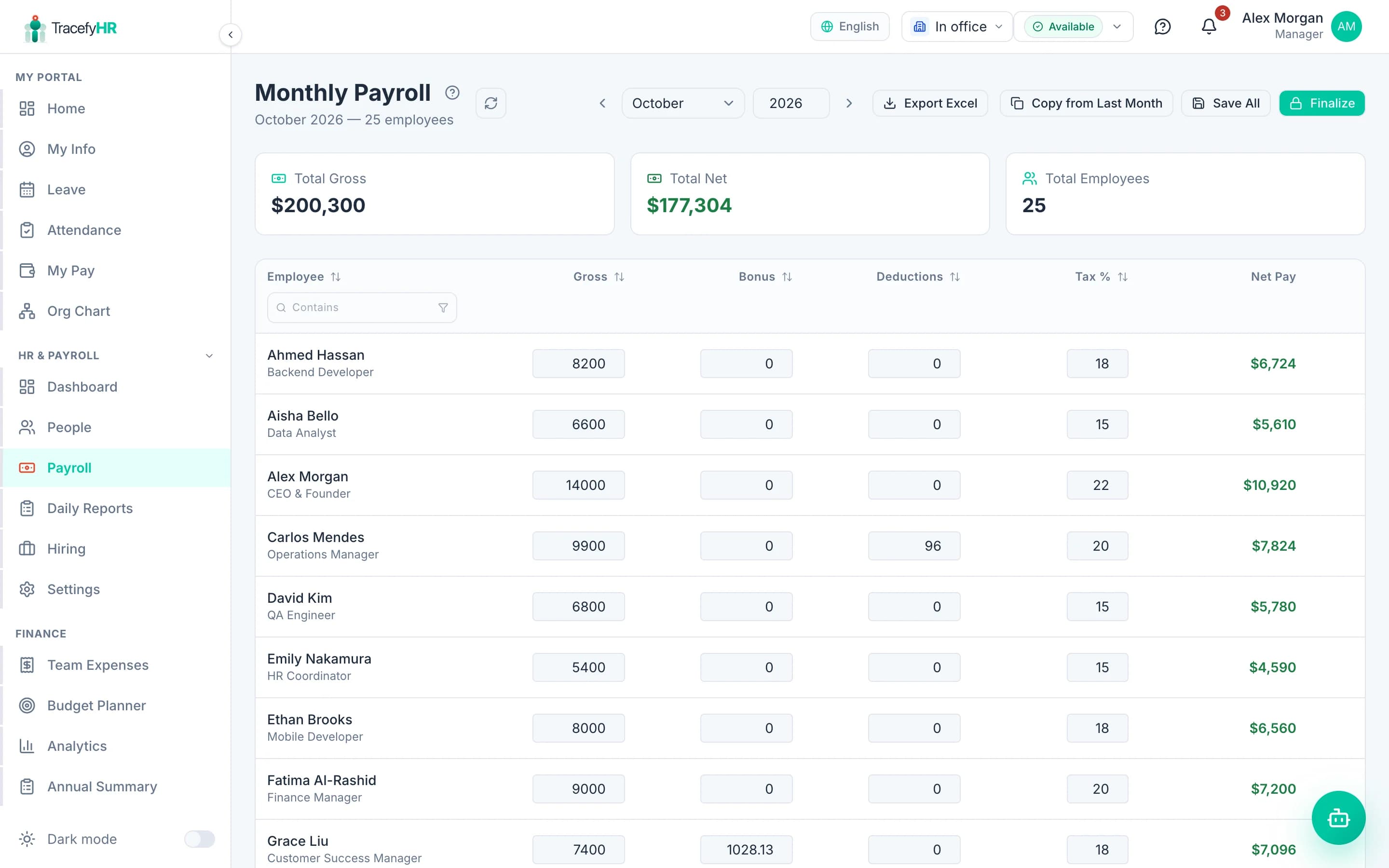
Most small businesses run payroll from a spreadsheet that one person understands. Every month they copy last month's tab, fix the formulas someone broke, then type each payslip by hand. TracefyHR replaces that with a payroll screen built from your employee records: salaries, tax rates and deductions carry over from last month, and net pay updates as you edit.
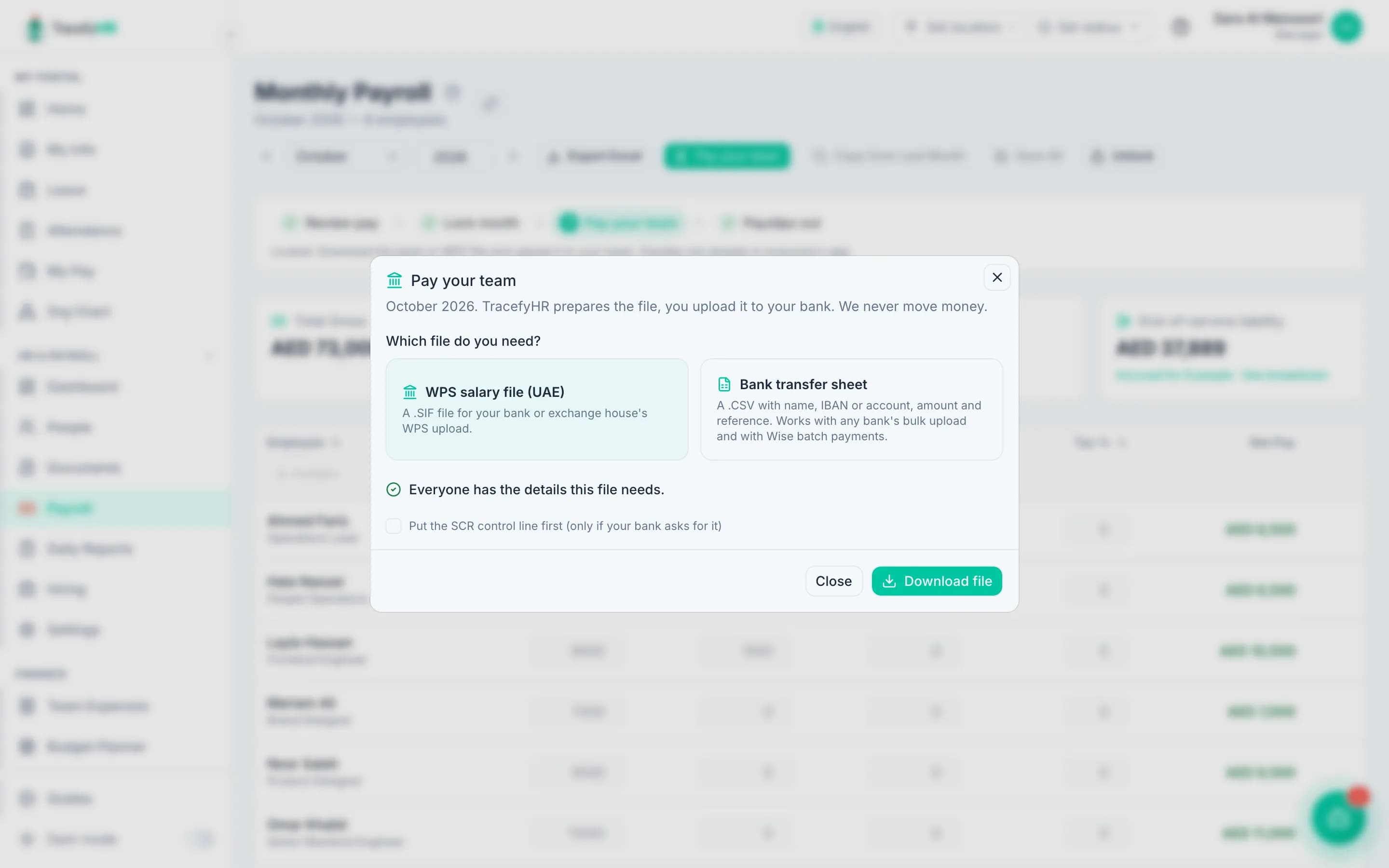
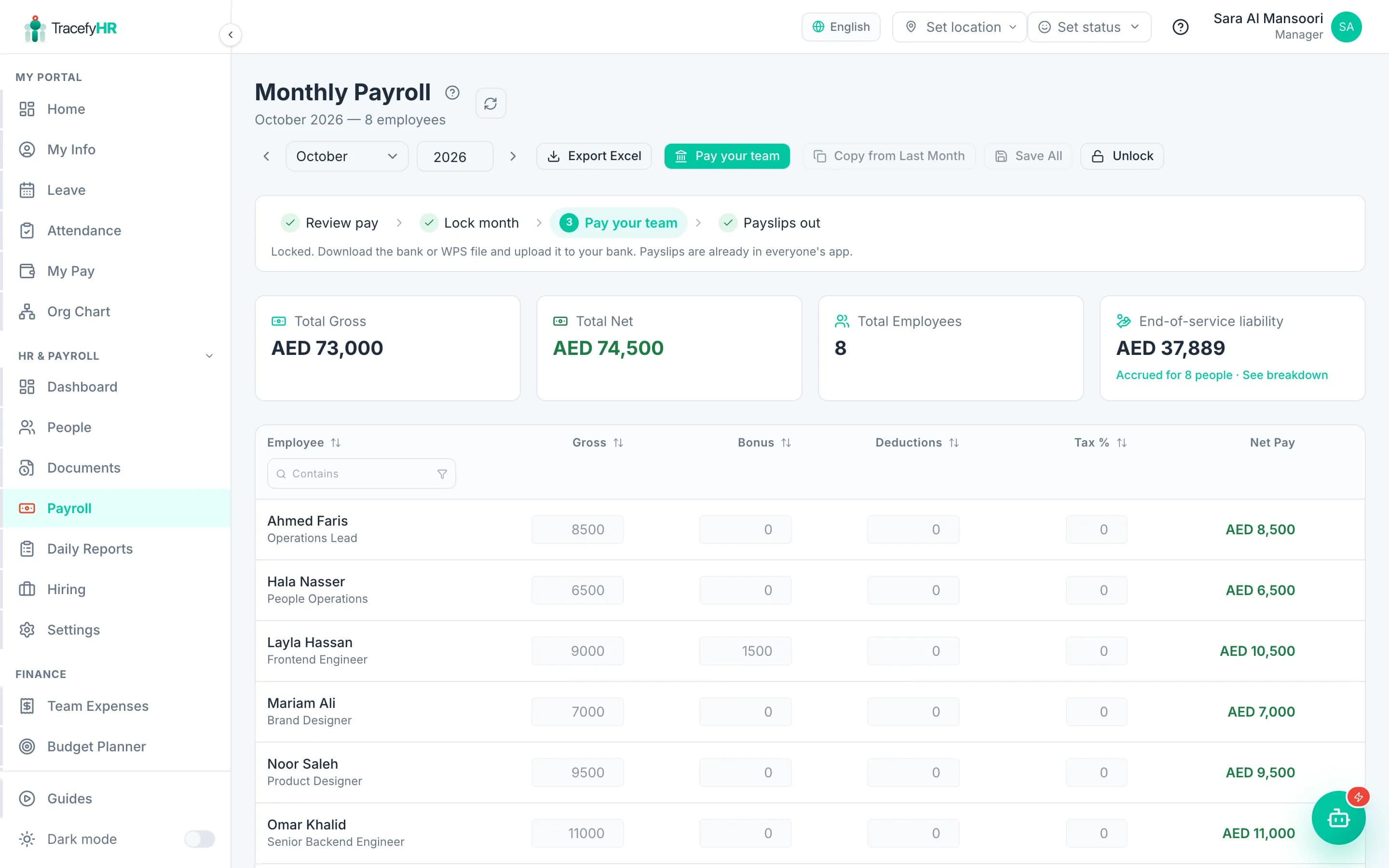
When the numbers are right, a Manager locks the month. That notifies your team, makes PDF payslips available in the portal and the mobile app, and unlocks one more step: Pay your team. Download a UAE WPS salary file (.SIF) or a bank transfer sheet with every IBAN and amount, then upload it to your bank. Approved unpaid leave is already taken off, and the end-of-service benefit each person has earned is worked out for you.
One thing to know before you start: TracefyHR prepares payroll and the payment file, but it does not move money or file payroll taxes. You upload the file and approve the transfer in your own bank. If you are a US employer that needs tax filing, read the FAQ below first.
Enter gross salary, a tax rate, deductions and any bonus. Net pay is gross minus tax and deductions, plus bonus, and it updates live as you type.
From a locked month, download a UAE WPS salary file (.SIF) or a bank transfer sheet with names, IBANs and amounts. Missing bank details can be filled in right there.
Mark a leave type as unpaid and approved days come off that month's pay automatically, at gross ÷ 30 a day, with the days shown on the payslip.
Split pay into basic plus housing, transport or any allowance. Gross adds itself up, and payslips list each part.
Track the gratuity each person has earned under the UAE labour-law rule or your own days-per-year rule, with the total liability on the payroll page.
Every employee can download their payslip as a PDF from the web portal or the free iPhone and Android app. You can rename the tax line to match your country.
Start a new month from the previous one. Salaries, tax rates and deductions carry over, and one-off bonuses reset to zero so they are not paid twice.
Run payroll in your company's currency: SAR, AED, QAR, KWD, BHD, OMR, PKR, INR, BDT, EGP, TRY, USD, EUR, GBP, CAD, AUD, JPY or CNY.
Open the month and copy last month's figures, or start fresh. Employees come from your People records, so new hires are already there.
Add a bonus, change a deduction or set a different tax rate for one person. Net pay recalculates as you edit.
A Manager reviews the totals and locks the month. Your team is notified and payslips appear in the portal and app.
Download the WPS salary file or bank transfer sheet and upload it in your bank's portal. You approve the transfer there; TracefyHR never touches the money.
Length 1:13Watch how TracefyHR payroll works: copy last month, add a bonus and see net pay update live, finalize to lock the month, and give everyone a PDF payslip.
For managers and HR
Most payroll tools charge a base fee plus a monthly amount for every employee, so the bill grows each time you hire. TracefyHR includes payroll, bank and WPS files in every plan at one flat price: a 30-person team on Professional pays $49 a month for payroll, leave, attendance and hiring together.
Starter
$20/mo
Up to 15 employees
Professional
$49/mo
Up to 50 employees
Business
$99/mo
Up to 150 employees
Enterprise
From $199/mo
150+ employees, SSO, SLA
Annual billing saves 20%. Outgrow a plan and you move up to the next one; there is never a per-employee fee. AI features run on pay-as-you-go credits. Full pricing
No. TracefyHR calculates gross-to-net pay and issues payslips, but it does not file taxes with any tax authority or pay salaries. US employers that need tax filing usually keep a filing service, such as a payroll provider or an accountant, alongside TracefyHR, or choose a full-service provider like Gusto for payroll.
Net pay is gross salary minus tax and deductions, plus any bonus. Tax is a flat percentage, set as a company default or per employee, and the label on the payslip can be renamed to match your country, for example Income Tax or Zakat.
18: SAR, AED, QAR, KWD, BHD, OMR, PKR, INR, BDT, EGP, TRY, USD, EUR, GBP, CAD, AUD, JPY and CNY. Each company picks one base currency, and every amount in payroll, expenses and reports uses it.
Yes. Once a month is finalized, employees can download their PDF payslip from the web portal or the free TracefyHR app for iPhone and Android.
Only a Manager. HR users can prepare the month, but finalizing and unlocking are Manager actions, so there is always a second pair of eyes on the numbers.
Yes. Once a month is locked, Pay your team builds a Salary Information File (.SIF) in the Ministry of Labour layout, with your MOHRE employer ID, each person's labour card number, bank routing code and IBAN, and the SCR control line. You upload it to your bank or exchange house as usual. If your bank wants the control line first, tick that option before downloading.
Yes. Approved days of any leave type marked unpaid come off that month's gross pay at gross ÷ 30 a day. End-of-service benefit accrues on the basic salary under the UAE labour-law rule (21 days a year for five years, then 30, capped at two years' basic) or a custom rule you set.
Payroll is included in every plan: Starter is $20 a month for up to 15 employees, Professional is $49 for up to 50 and Business is $99 for up to 150. There is a 30-day free trial and no credit card is needed to start.
Set up in about 15 minutes. Import your team from Excel, and your 30-day trial starts without a credit card.