Requesting time off
Apply for leave, see what the calendar greys out, and track your request from submission to approval — all from the unified TracefyHR portal.
Need a day off? In TracefyHR you submit a leave request, your approver reviews it, and you get an email + in-app notification with the decision. Here's how it works on your side.
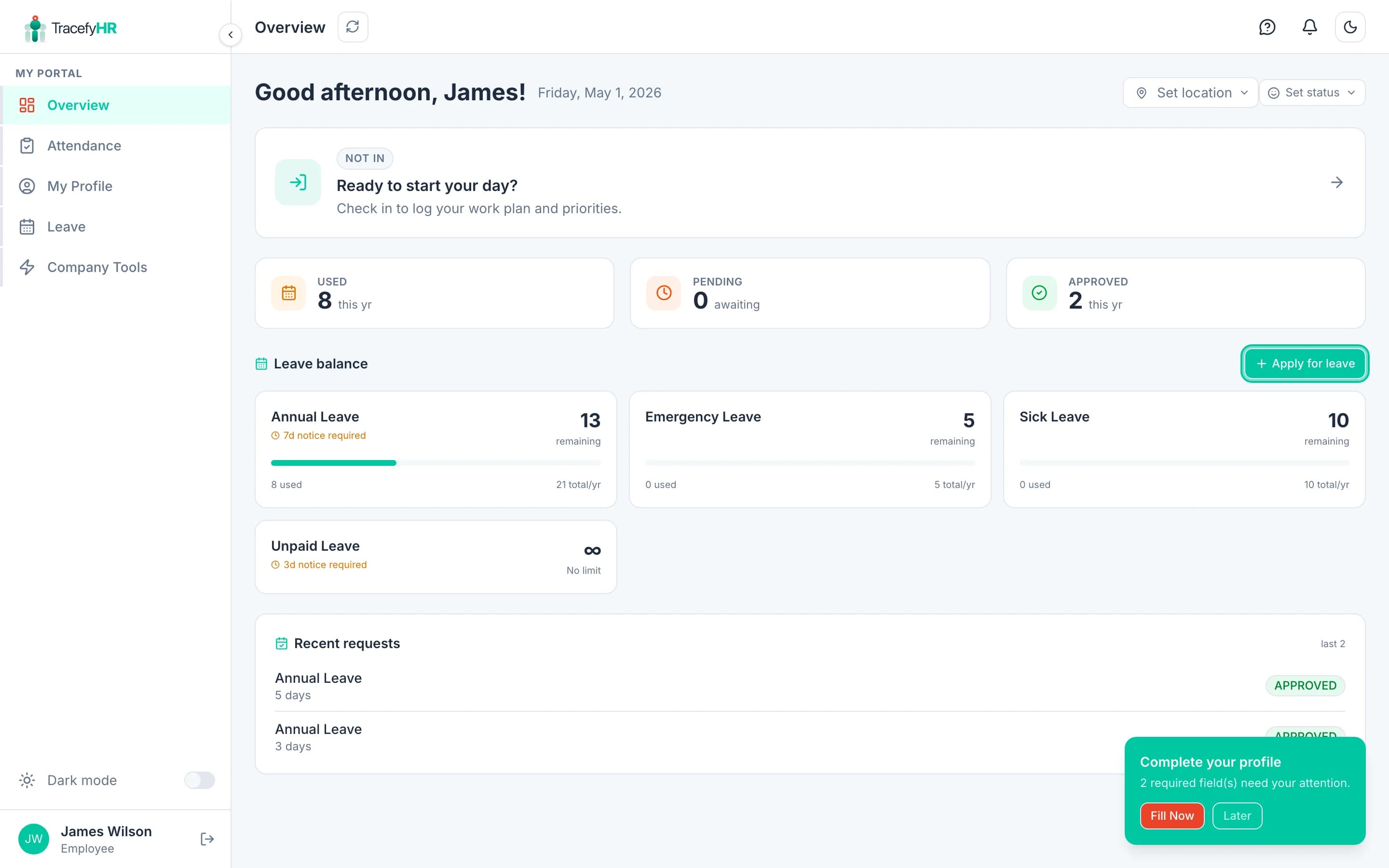
Apply for leave
Click My Leave in the sidebar, or hit Request Time Off on the My Time Off card on your dashboard. Either path opens the apply dialog.
Pick a leave type (Annual, Sick, etc.). Your remaining balance for that type is shown right next to it.
Pick your dates on the calendar.
The calendar greys out:
- Past dates — you can't request retroactively
- Notice-period dates — if your company requires advance notice (e.g. 5 days), the next 5 calendar days are blocked
- Dates that would exceed your balance
You can pick a single day, multiple non-consecutive days, or a date range.
Add a reason (1–2 sentences). Be honest and brief — it goes to your approver.
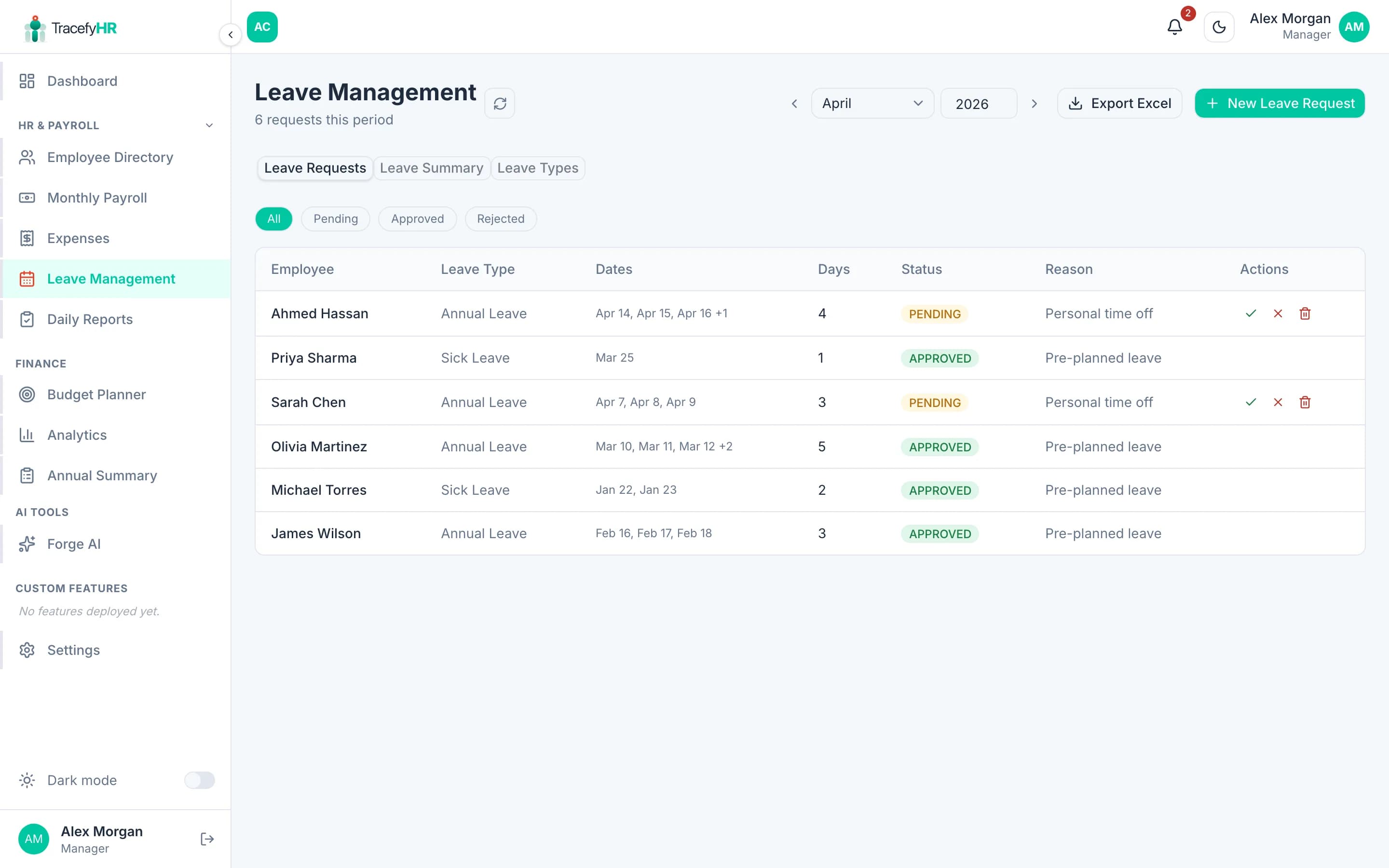
Click Submit request. You'll see it appear in your request history with a yellow Pending badge.
Track your request
Every request shows a status badge:
- 🟡 Pending — waiting for approval
- 🟢 Approved — you're off — your balance is reduced automatically
- 🔴 Rejected — see the reason in the request detail
You'll get an email and an in-app notification the moment your approver decides. The notification bell at the top of your screen will show a red dot.
Approvers have 3 business days by default to respond. If yours hasn't replied, give them a nudge directly — TracefyHR doesn't auto-escalate.
Cancelling a request
You can cancel a Pending request from the request history — click the ⋯ menu next to it and pick Cancel request. Approved requests can't be cancelled by you; ask your HR if you need to revoke an approved leave.
Common questions
Can I request a half-day? Not in this version — leave is tracked in whole days. Use a daily report comment if you need to flag a partial day to your manager.
Why can't I select tomorrow? That leave type probably requires advance notice. Check the "X days notice" label on the leave card — that's the minimum gap between today and your start date.
My balance shows a different number than I expected. Your balance was either set by HR when you joined, or carried over from your previous employer. Ask your HR for the breakdown.
Can I see other people's leave? No — only your own. Managers and HR see the team-wide schedule.
Related
- Your dashboard — see your leave balance at a glance
- Managing leave requests (HR view) — what happens after you submit
Last updated 2026-05-05