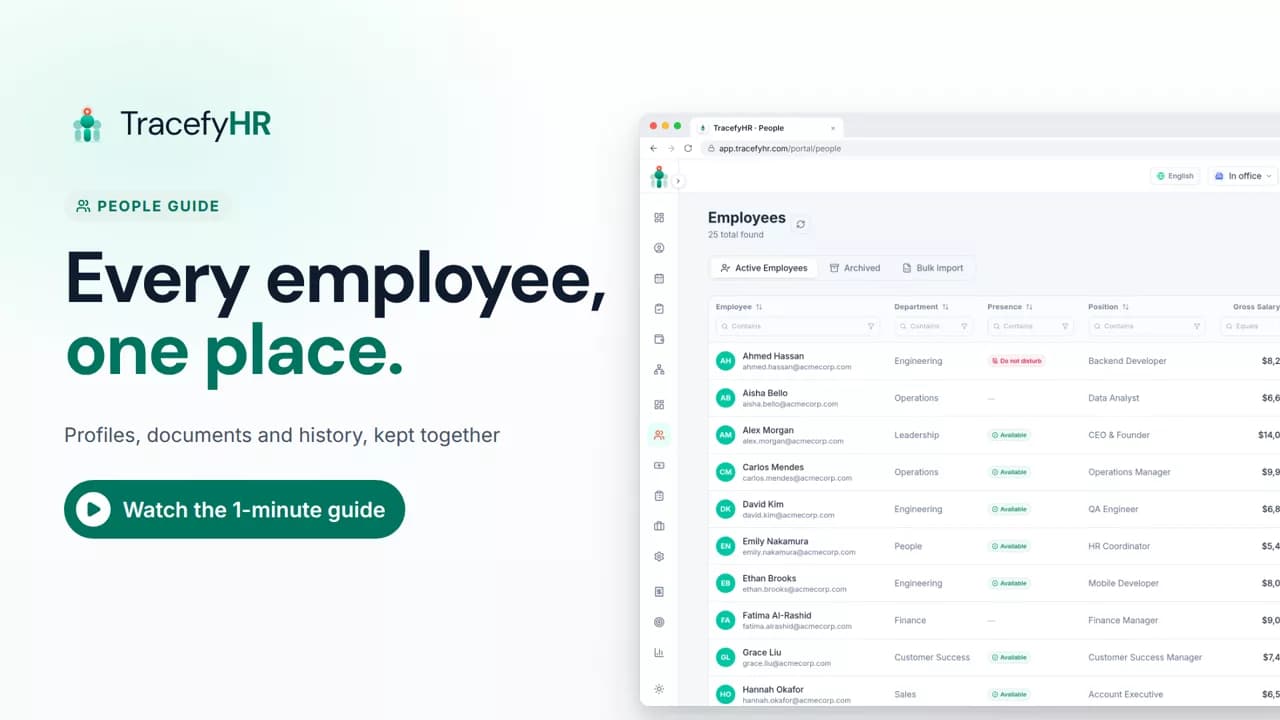
 Length 1:11
People: every employee in one place
See how TracefyHR People keeps every employee in one place: add someone in about a minute, import your team from Excel, open profiles and archive leavers.
For managers and HR
Attendance lets your team check in on the web or the mobile app, starting each day with a short plan, and shows you today at a glance. In this short video an employee checks in with a plan for the day, then a manager sees who checked in, opens a daily report, approves a fix request and exports reports to Excel.
Prefer reading?
Daily reports
The same task in the user guide, step by step with screenshots.
Open the articleThe full narration of the video. Select a time to jump to that moment.
0:01Sign-in sheets and spreadsheets don't tell you who actually started work.
0:07With Attendance, your team checks in on the web or the mobile app. You see today at a glance.
0:16Each day starts with a quick plan: today's work, top priorities and any blockers.
0:21Checking in records the time and location at that moment only. Nothing is tracked in the background.
0:29Forgot to check out? Request a fix, and a manager approves it.
No. Checking in records the time and location at that moment only. Nothing is tracked in the background.
No. Times are stamped by the server, so nobody can fudge them. If someone forgets to check out, they request a fix and a manager approves it in one click.
Yes. Export any date range from Daily Reports as an Excel or CSV file. You can also get department reports by email, daily or weekly.
Who checked in, when, and who missed a check-out. Open anyone's day to see their plan, check-in times and end-of-day notes.
Length 1:11See how TracefyHR People keeps every employee in one place: add someone in about a minute, import your team from Excel, open profiles and archive leavers.
For managers and HR
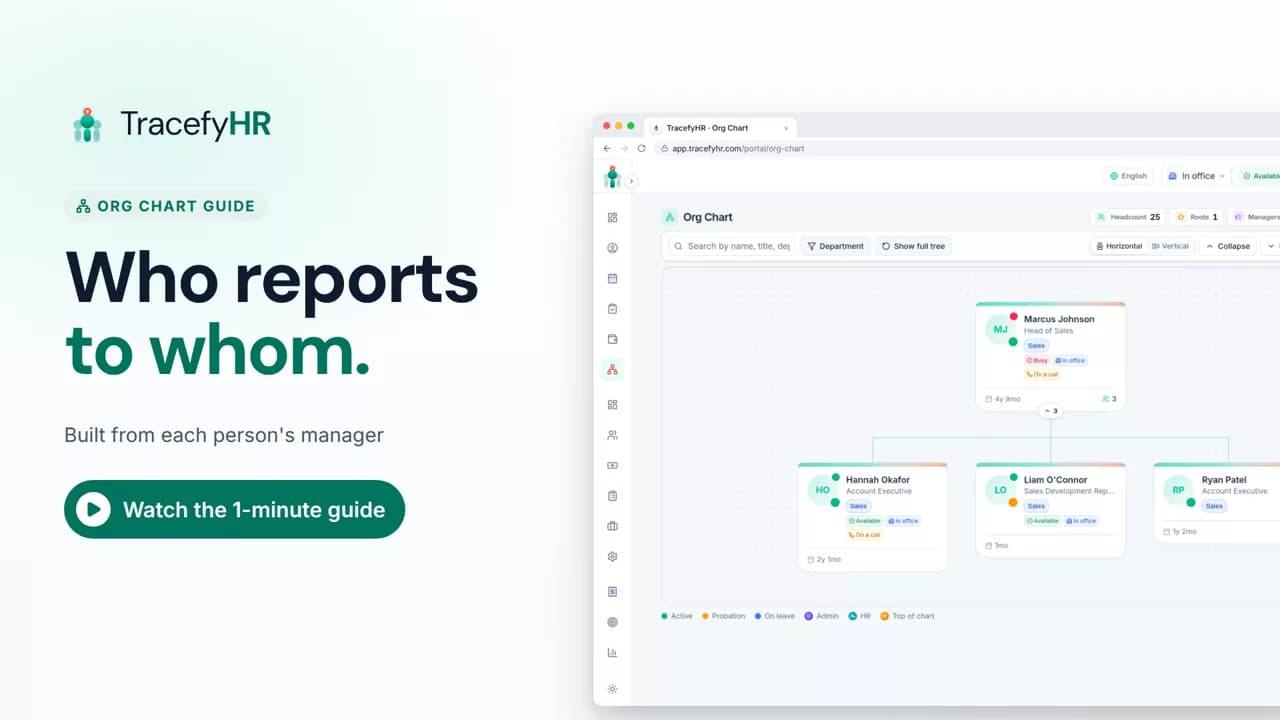 Length 0:51
See how the TracefyHR org chart builds itself from each person's manager: search for anyone, focus on one team, switch layouts and keep salaries off the chart.
For managers, HR and employees
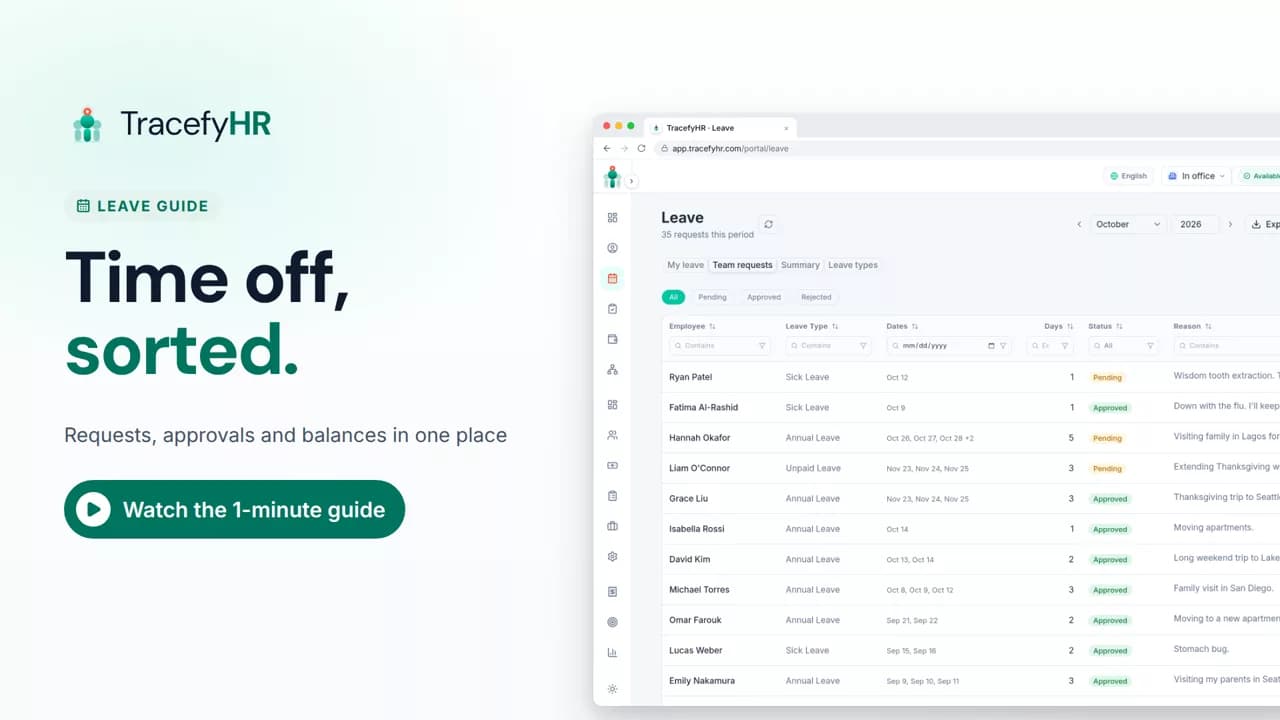 Length 1:11
Watch how TracefyHR handles leave: employees request time off and see their balance, managers approve in one click, and requests export to Excel.
For managers and HR
Set up your company, invite your team, and see if TracefyHR fits. Free for 30 days — no credit card required, cancel any time.