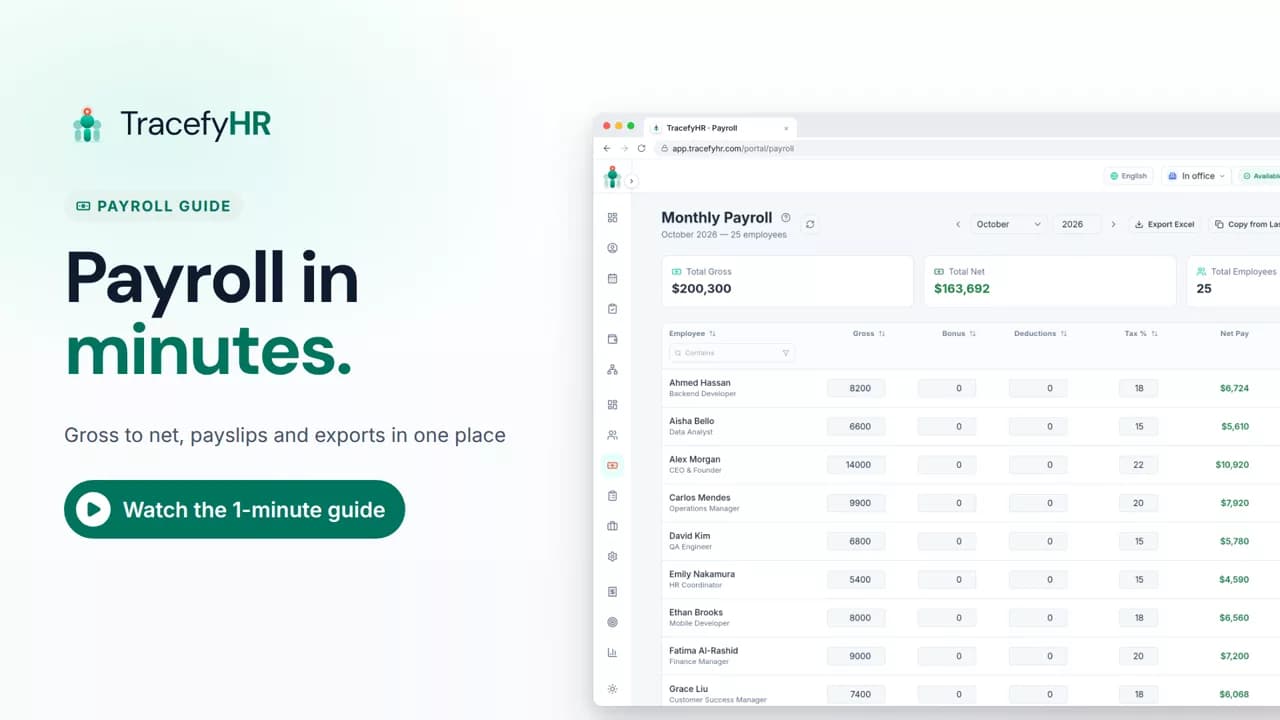
 Length 1:13
Payroll in minutes, not days
Watch how TracefyHR payroll works: copy last month, add a bonus and see net pay update live, finalize to lock the month, and give everyone a PDF payslip.
For managers and HR
The Dashboard shows revenue, expenses, net profit and margin for any month, built from your payroll and approved expenses. In this short video you see each number with an arrow that compares it to last month, pick another month, and read the year's summary table with profit in green and losses in red.
Prefer reading?
Tour the dashboard
The same task in the user guide, step by step with screenshots.
Open the articleThe full narration of the video. Select a time to jump to that moment.
0:01How did we do this month? You shouldn't need a spreadsheet to answer that.
0:06The Dashboard shows revenue, expenses, net profit and margin for any month.
0:11It's all built from your payroll and approved expenses, so there's nothing to add up.
0:16Arrows show what went up or down since last month.
0:27Below, the monthly summary breaks down the whole year: salaries, expenses, revenue and profit.
0:34Profit shows in green, losses in red, and the year's total sits at the bottom.
0:39Your people costs and your business results, side by side.
0:44Pick a month at the top, and see how you did.
From your payroll and approved team expenses, so there's nothing to add up. Salaries come from each month's payroll, revenue comes from the Revenue column in payroll, and only approved expenses count.
Yes. Pick any month and year at the top. Revenue, expenses and net profit each show an arrow with the change since last month.
One row for each month of the year with net salaries, expenses, total expenses, revenue, net profit and margin, plus a total row at the bottom. Profit shows in green and losses in red.
HR team members with finance access see the full Dashboard. Without finance access, they see a Payroll Summary with net salaries only.
Length 1:13Watch how TracefyHR payroll works: copy last month, add a bonus and see net pay update live, finalize to lock the month, and give everyone a PDF payslip.
For managers and HR
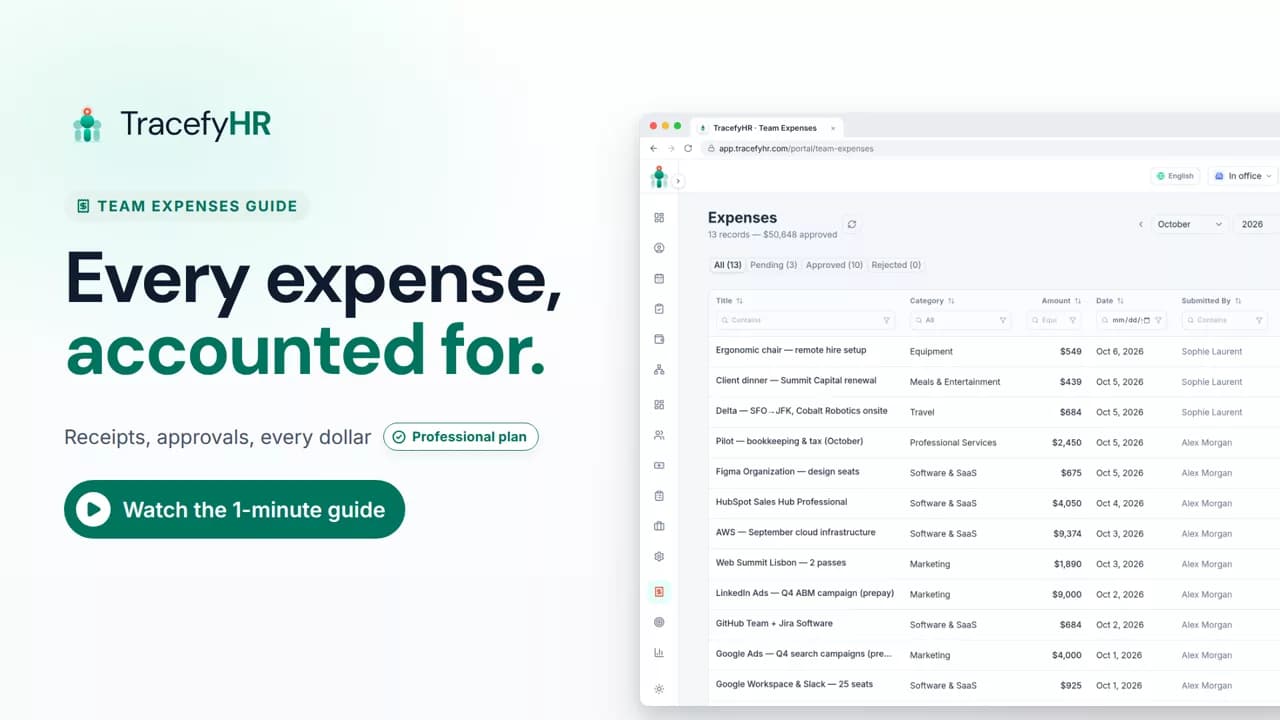 Length 1:14
See how TracefyHR Team Expenses works: log an expense with its receipt, approve or reject it in one click, export any month to Excel, and update your budget.
For managers and HR
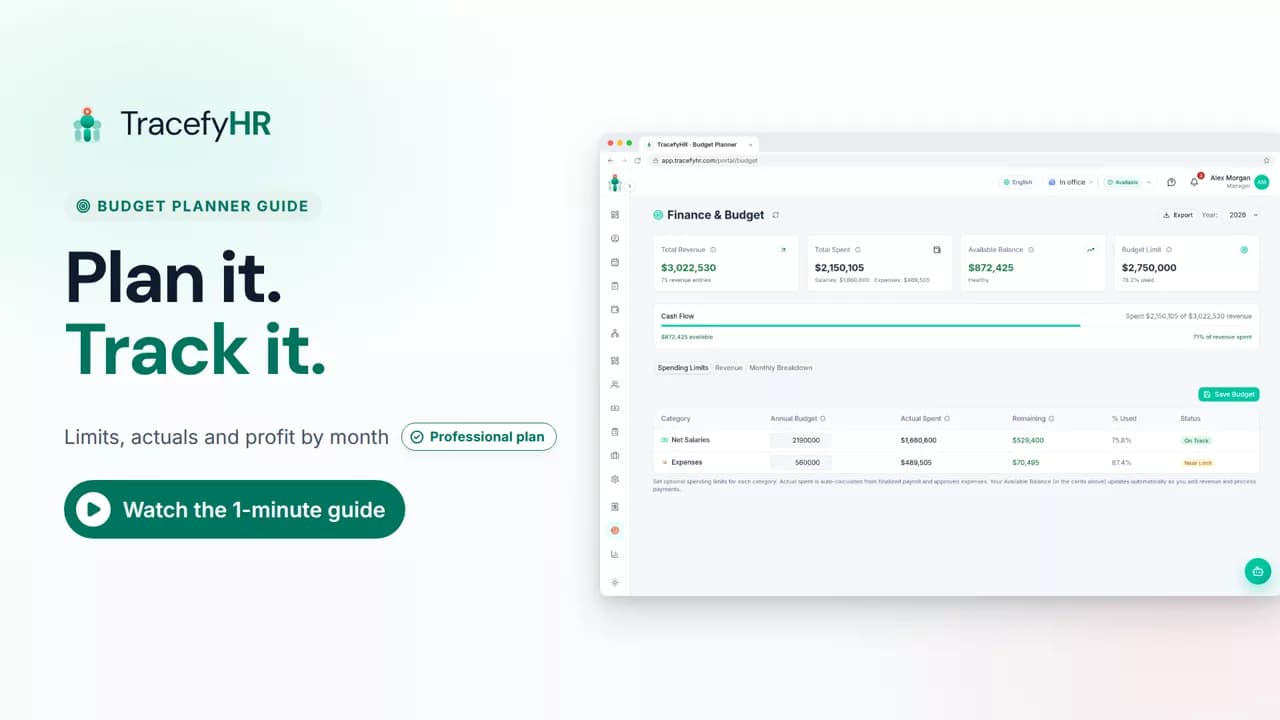 Length 0:58
See how TracefyHR Budget Planner works: set yearly spending limits, watch actual spending fill in from payroll and expenses, and log revenue from each client.
For managers
Set up your company, invite your team, and see if TracefyHR fits. Free for 30 days — no credit card required, cancel any time.