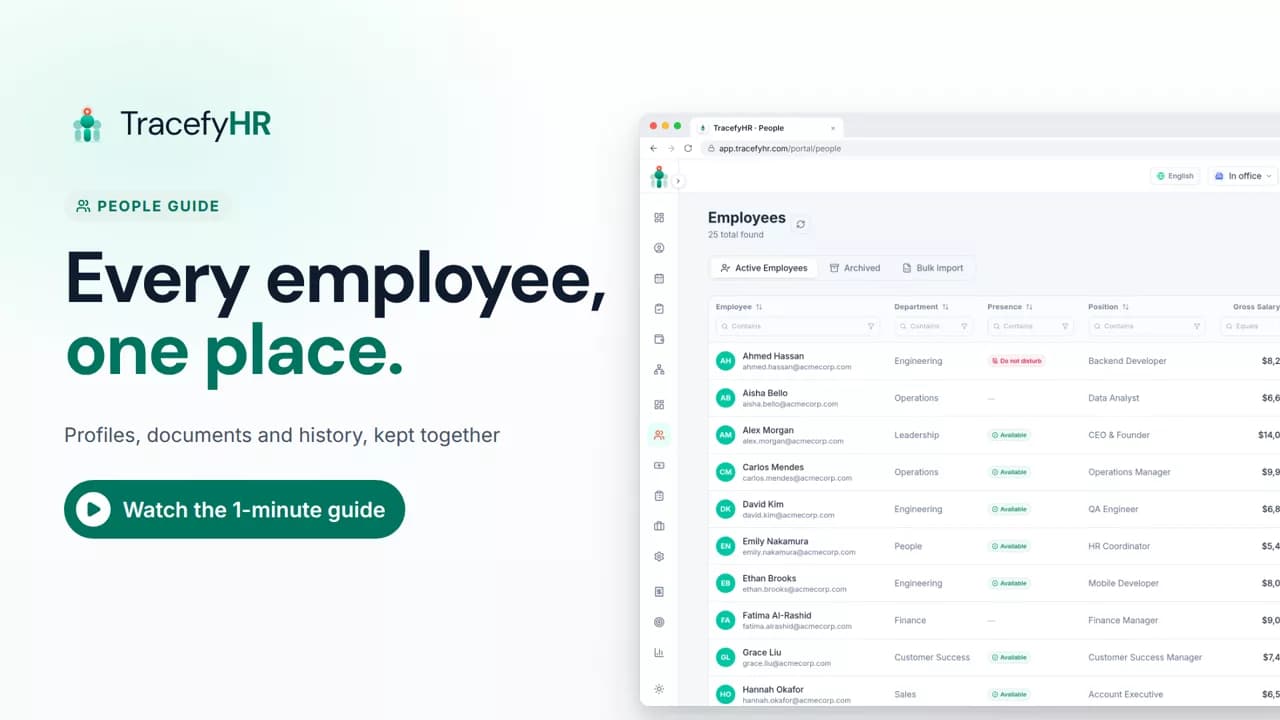
 Length 1:11
People: every employee in one place
See how TracefyHR People keeps every employee in one place: add someone in about a minute, import your team from Excel, open profiles and archive leavers.
For managers and HR
Leave keeps every request, approval and balance in one place. In this short video an employee asks for time off and sees their balance before sending, then a manager approves or rejects it from one list and the balance updates on its own.
Prefer reading?
Managing leave requests
The same task in the user guide, step by step with screenshots.
Open the articleThe full narration of the video. Select a time to jump to that moment.
0:01Leave requests buried in the group chat? Balances in a spreadsheet nobody trusts?
0:07Leave keeps every request, approval and balance in one place.
0:14Your team asks for time off in a few clicks. They see their balance before they send.
0:23You get every pending request in one list.
0:26Hannah needs a week off? Check her dates, then approve in one click.
0:31She's notified, and her balance updates on its own.
0:37Need to say no? Add a reason, so there's no back and forth.
0:44The summary shows who took what, and you can export every request to Excel.
0:50You set your own leave types and yearly allowances, like annual, sick or emergency leave.
0:58No more chasing approvals or fixing balances by hand. You always know who's out.
1:05Open Team requests to see what's waiting for you.
From the Leave page they open the time off form, pick their dates on a calendar and send the request. The form shows their leave balance before they submit, so they know where they stand.
Approving takes one click in the Team requests list. The employee is notified in the app, by push notification and by email, and their leave balance updates automatically.
Yes. A pending request can be rejected, and TracefyHR asks for a reason before it goes through, so every rejection comes with an explanation.
Every plan. Starter is $20 a month for up to 50 employees, and each plan starts with a 30-day free trial with no credit card required.
Length 1:11See how TracefyHR People keeps every employee in one place: add someone in about a minute, import your team from Excel, open profiles and archive leavers.
For managers and HR
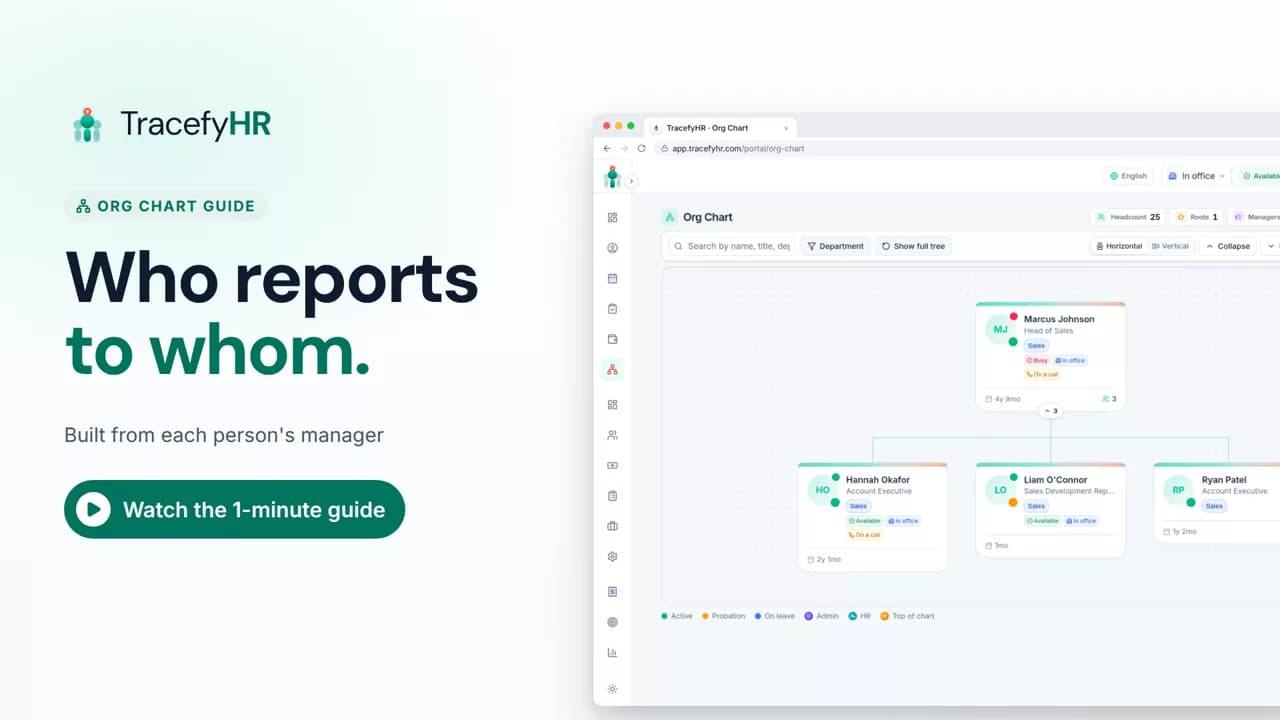 Length 0:51
See how the TracefyHR org chart builds itself from each person's manager: search for anyone, focus on one team, switch layouts and keep salaries off the chart.
For managers, HR and employees
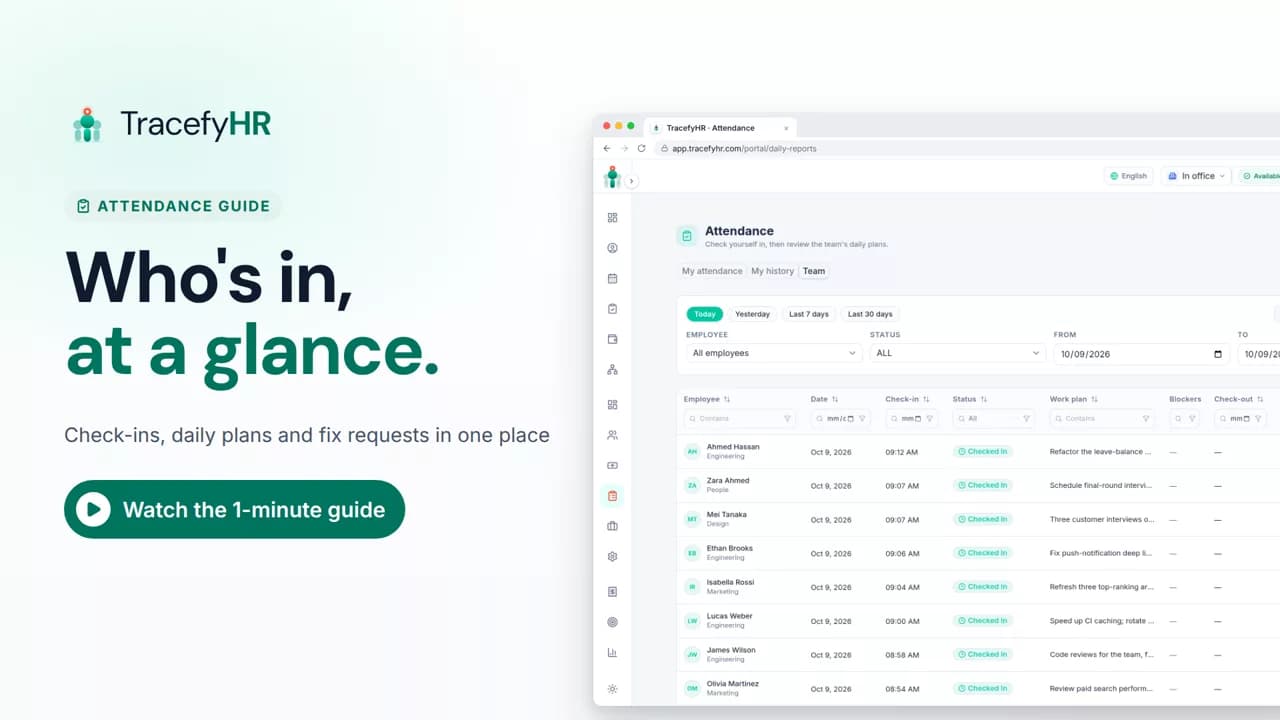 Length 1:14
See how TracefyHR attendance works: staff check in on the web or mobile app with a daily plan, and managers see who is in, approve fixes and export to Excel.
For managers, HR and employees
Set up your company, invite your team, and see if TracefyHR fits. Free for 30 days — no credit card required, cancel any time.