 Length 1:11
People: every employee in one place
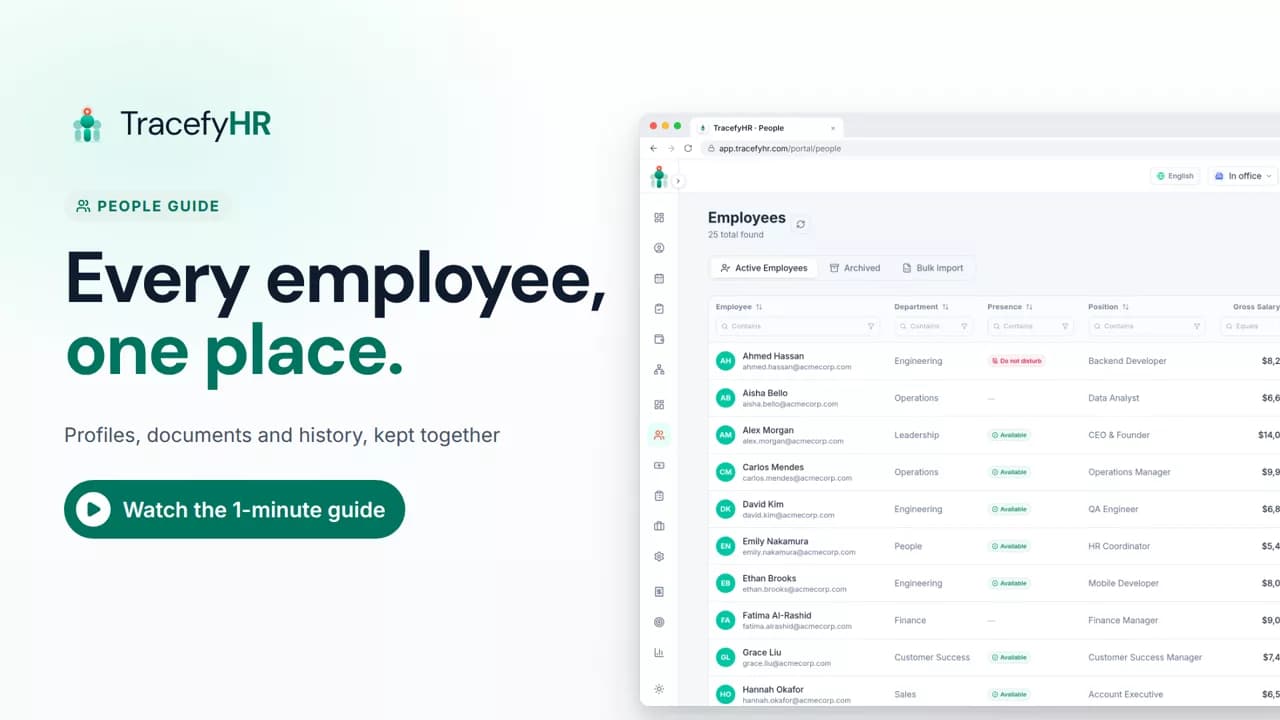
See how TracefyHR People keeps every employee in one place: add someone in about a minute, import your team from Excel, open profiles and archive leavers.
For managers and HR
The org chart maps your whole company, built from the manager set on each person's profile. In this short video you search for someone and see their reporting line, focus on one team, switch the layout, set a manager on a profile, and see how employees find themselves in one click.
Prefer reading?
The org chart
The same task in the user guide, step by step with screenshots.
Open the articleThe full narration of the video. Select a time to jump to that moment.
0:01A new joiner asks who their manager is. Now you can just show them.
0:06The org chart maps your whole company, built from each person's manager.
0:12Search for anyone, and their reporting line stands out.
0:17Focus on one team to see it clearly, or switch the layout.
From the Reports To field on each employee profile. Set each person's manager once and the chart builds itself, and changes show the next time you open it.
Yes. Everyone on your team can open it from their portal and find themselves in one click. Their view is read-only, with each person's name, title, department and photo.
No. Salaries never show on the org chart, for anyone who opens it.
Partly. When you set someone's manager, their leave requests reach that manager first. Approval isn't limited to that chain, so your other leave approvers still get the request.
Length 1:11See how TracefyHR People keeps every employee in one place: add someone in about a minute, import your team from Excel, open profiles and archive leavers.
For managers and HR
 Length 1:11
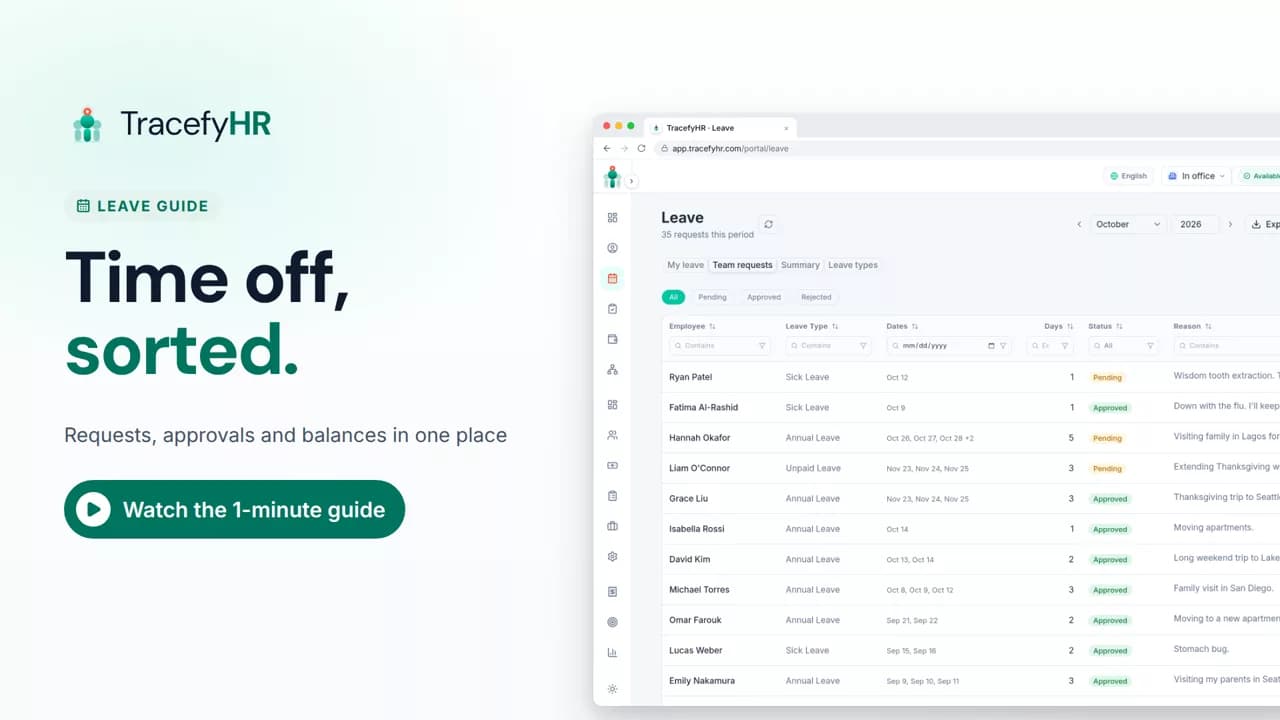
Watch how TracefyHR handles leave: employees request time off and see their balance, managers approve in one click, and requests export to Excel.
For managers and HR
 Length 1:14
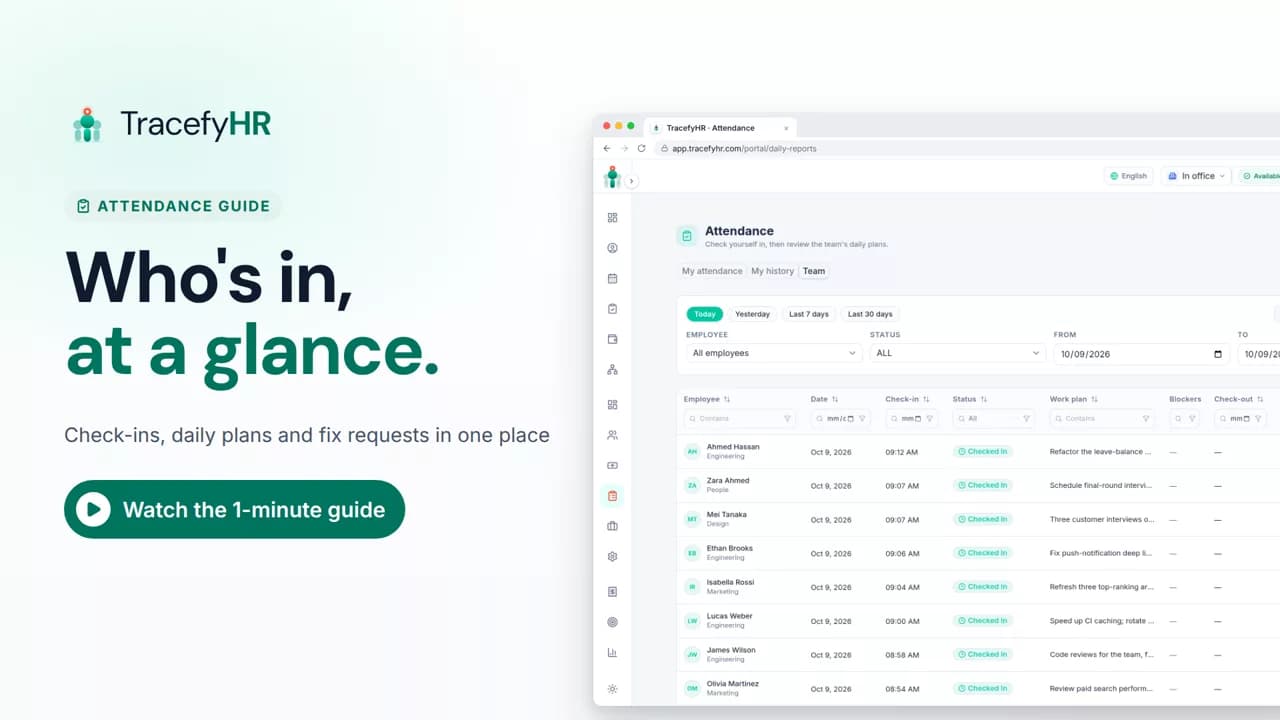
See how TracefyHR attendance works: staff check in on the web or mobile app with a daily plan, and managers see who is in, approve fixes and export to Excel.
For managers, HR and employees
Set up your company, invite your team, and see if TracefyHR fits. Free for 30 days — no credit card required, cancel any time.