 Length 0:51
Dashboard: your month in numbers
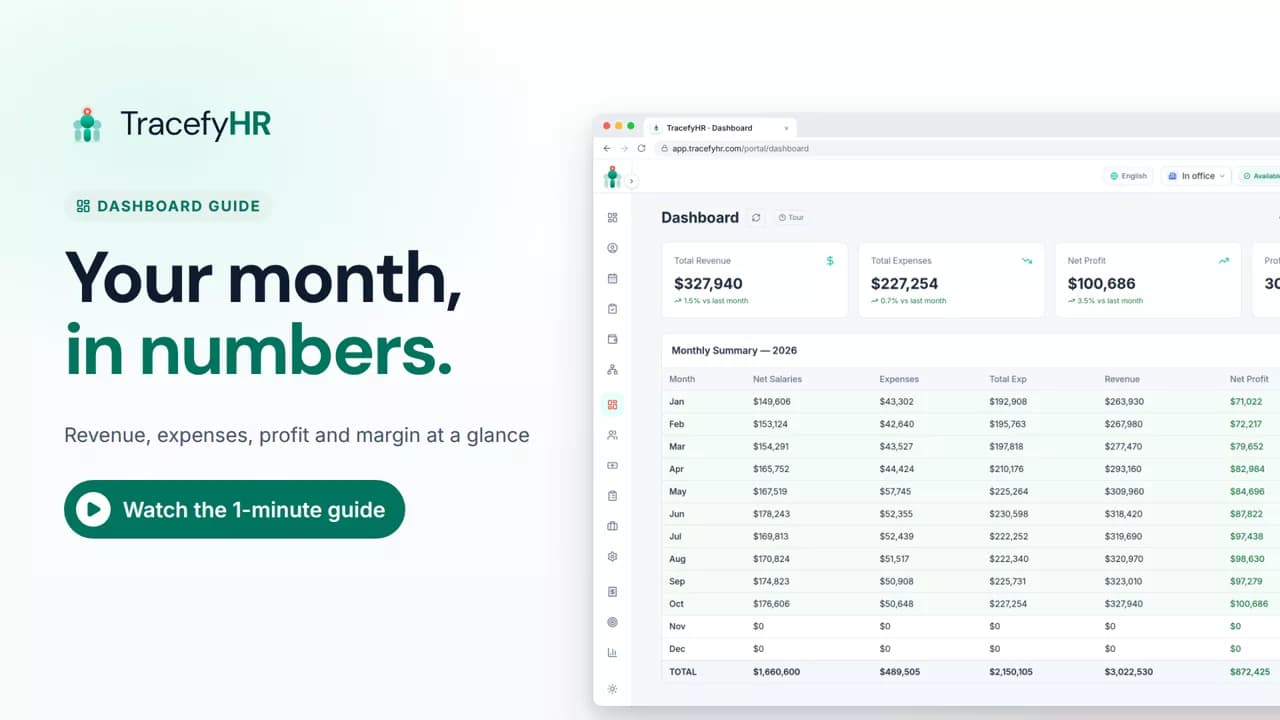
See how the TracefyHR Dashboard shows revenue, expenses, net profit and margin for any month, built from payroll and approved expenses, with a year summary.
For managers
Payroll in TracefyHR works out every salary for you, from gross pay to net pay, and keeps each month on record. In this short video a month is copied from the last one, a bonus is added while net pay updates, the month is finalized and locked, and payslips appear for everyone to download.
Prefer reading?
Running monthly payroll
The same task in the user guide, step by step with screenshots.
Open the articleThe full narration of the video. Select a time to jump to that moment.
0:01Month-end payroll shouldn't mean a long night with a calculator.
0:06TracefyHR works out every salary for you, from gross pay to net pay.
0:14Most months, you start by copying last month. Salaries, tax and deductions carry over.
0:20Change only what's different. Add a bonus or a deduction, and net pay updates as you type.
0:28Approved overtime claims from Forge are added to payroll on their own.
0:35Check the totals, then finalize. The month locks, so nothing changes by accident.
0:42Payslips appear in each person's portal and app, ready to download as a PDF.
0:49Need it for your accountant? Export the whole month to Excel.
0:55TracefyHR does the math. You still pay salaries from your bank, as you do today.
1:00Fewer mistakes, no copy and paste between apps, and clear payslips every month.
1:07Pick this month and click Copy from Last Month to begin.
No. TracefyHR does the math: it works out each salary from gross to net pay, records the month and makes the payslips. You still pay salaries from your bank, as you do today.
Each person's salary, tax rate and deductions carry over. Bonuses start again from zero, so you only change what's different this month.
Yes. Once a month is finalized, each person's payslip appears in their portal and in the app, ready to download as a PDF.
Every plan. Starter is $20 a month for up to 50 employees, and each plan starts with a 30-day free trial with no credit card required.
Length 0:51See how the TracefyHR Dashboard shows revenue, expenses, net profit and margin for any month, built from payroll and approved expenses, with a year summary.
For managers
 Length 1:14
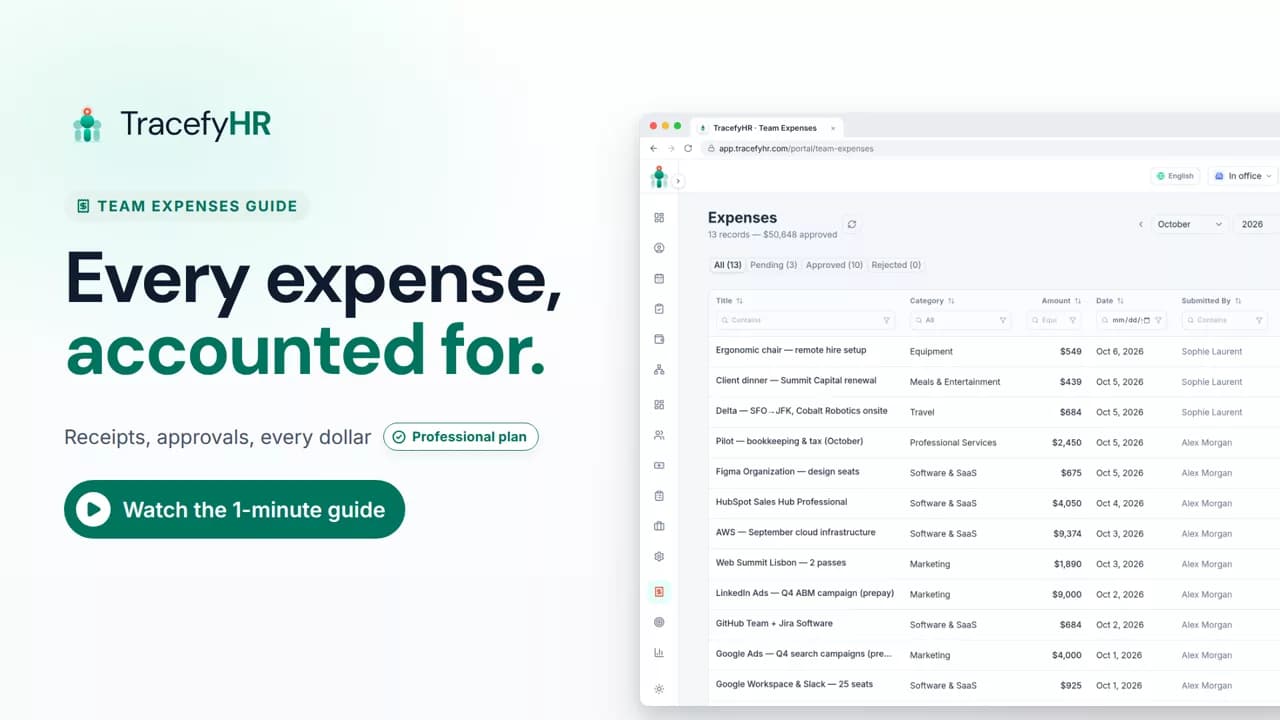
See how TracefyHR Team Expenses works: log an expense with its receipt, approve or reject it in one click, export any month to Excel, and update your budget.
For managers and HR
 Length 0:58
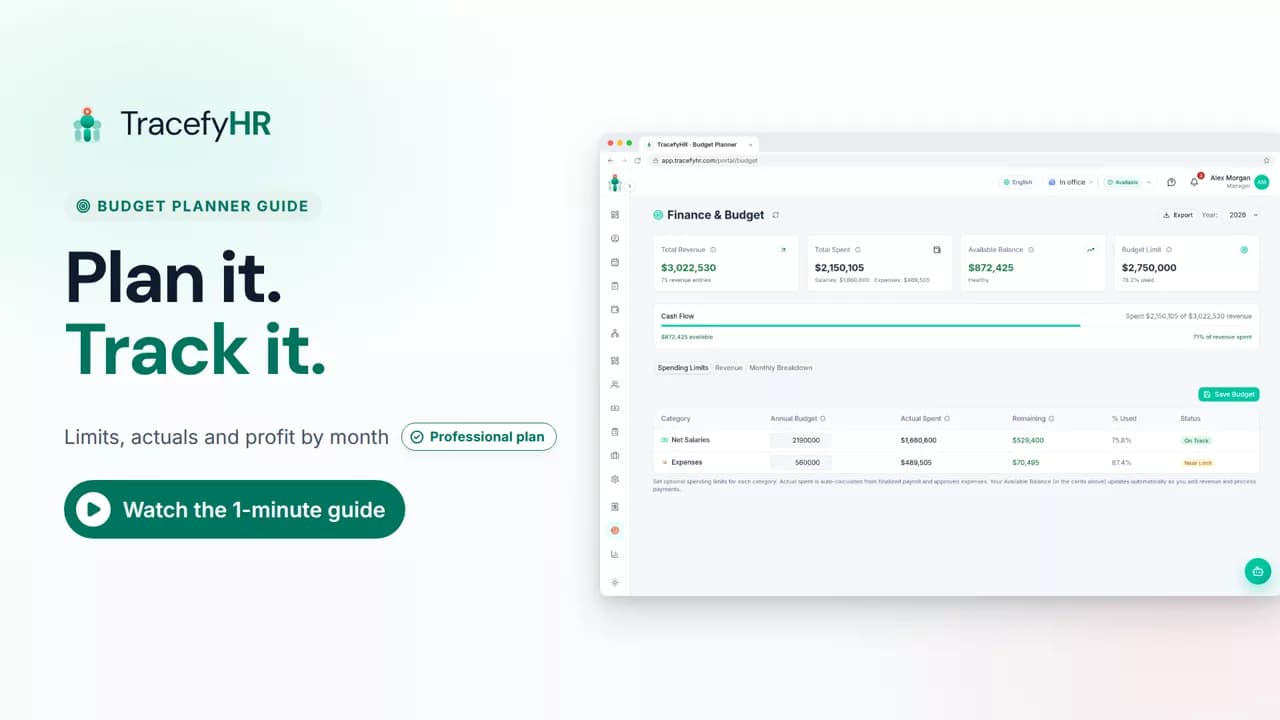
See how TracefyHR Budget Planner works: set yearly spending limits, watch actual spending fill in from payroll and expenses, and log revenue from each client.
For managers
Set up your company, invite your team, and see if TracefyHR fits. Free for 30 days — no credit card required, cancel any time.