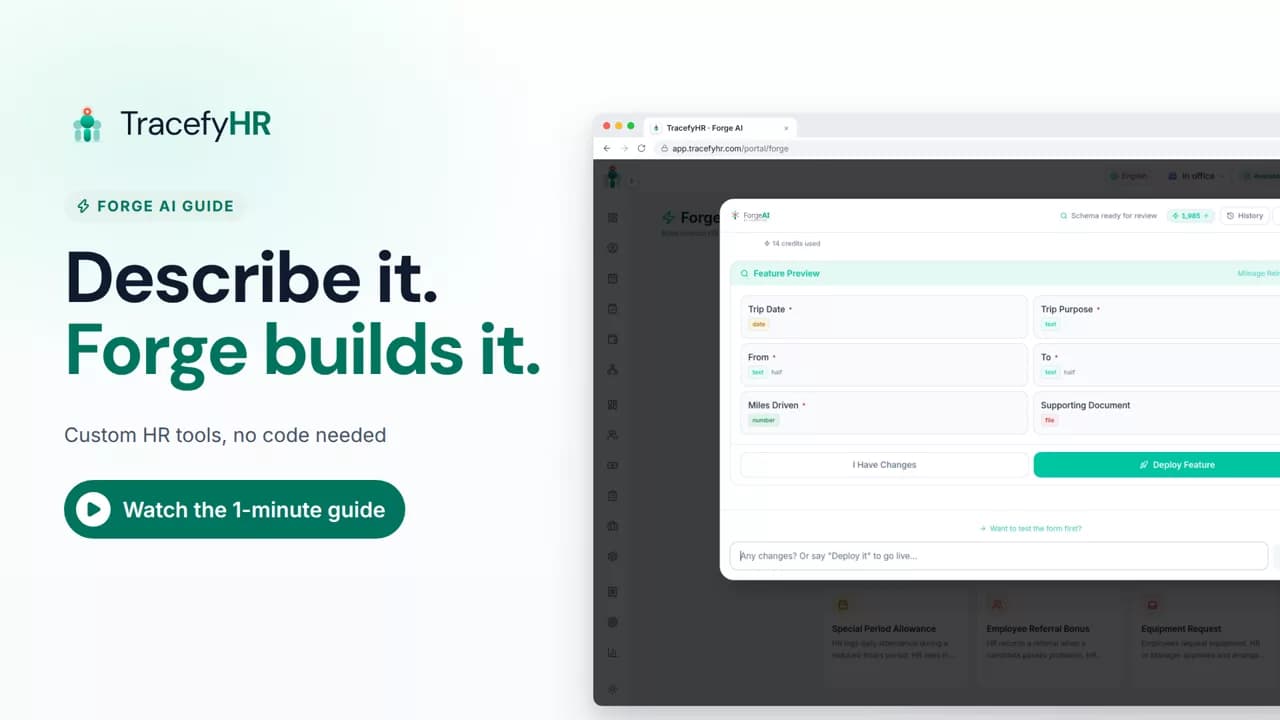
 Length 1:08
Forge AI: build the HR tool you're missing
See how Forge AI in TracefyHR builds an HR tool from plain words: describe it, review the fields and approval step, deploy, and your team uses it right away.
For managers
The AI Assistant answers questions about your team in plain language, using your live TracefyHR data. In this short video it shows who is on leave today and what needs your attention, and you see that it only looks things up and never changes anything.
The full narration of the video. Select a time to jump to that moment.
0:01Who's off today? What's waiting for my approval? Normally that's a lot of clicking.
0:07The AI Assistant answers questions about your team in plain language.
0:22Ask what needs your attention, and see pending leave, expenses and more.
0:27It reads your live data: people, leave, daily reports, expenses and payroll status.
0:34It only looks things up. It never changes anything.
0:38Most questions use just one credit.
0:42Get answers in seconds, and spend your time on people, not pages.
0:48Press Ctrl+J, or click the chat button, and ask your first question.
Questions about your team in plain language, like who is on leave today or what needs your attention. It reads your live data on people, leave, daily reports, expenses and payroll status.
No. It only looks things up. It never creates, edits or deletes anything in TracefyHR.
A question usually uses about 1 AI credit, and 1 credit is $0.01. The Assistant works on every plan, but AI is not included in any plan's price, so you buy credits as you go.
Press Ctrl+J (Cmd+J on a Mac) or click the chat button, then type your question or pick one of the starter prompts.
Length 1:08See how Forge AI in TracefyHR builds an HR tool from plain words: describe it, review the fields and approval step, deploy, and your team uses it right away.
For managers
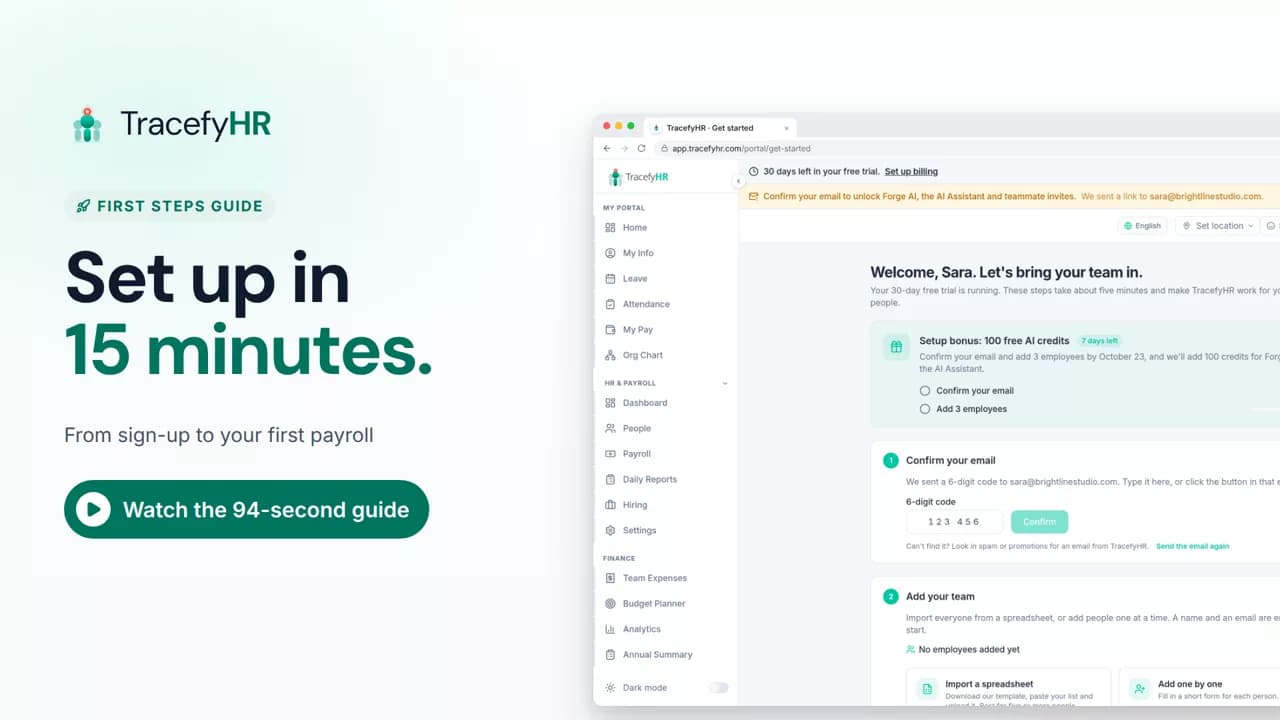 Length 1:35
Set up TracefyHR in about 15 minutes: confirm your email, add your first employee, add your logo, invite your HR lead and run your first payroll, step by step.
For owners
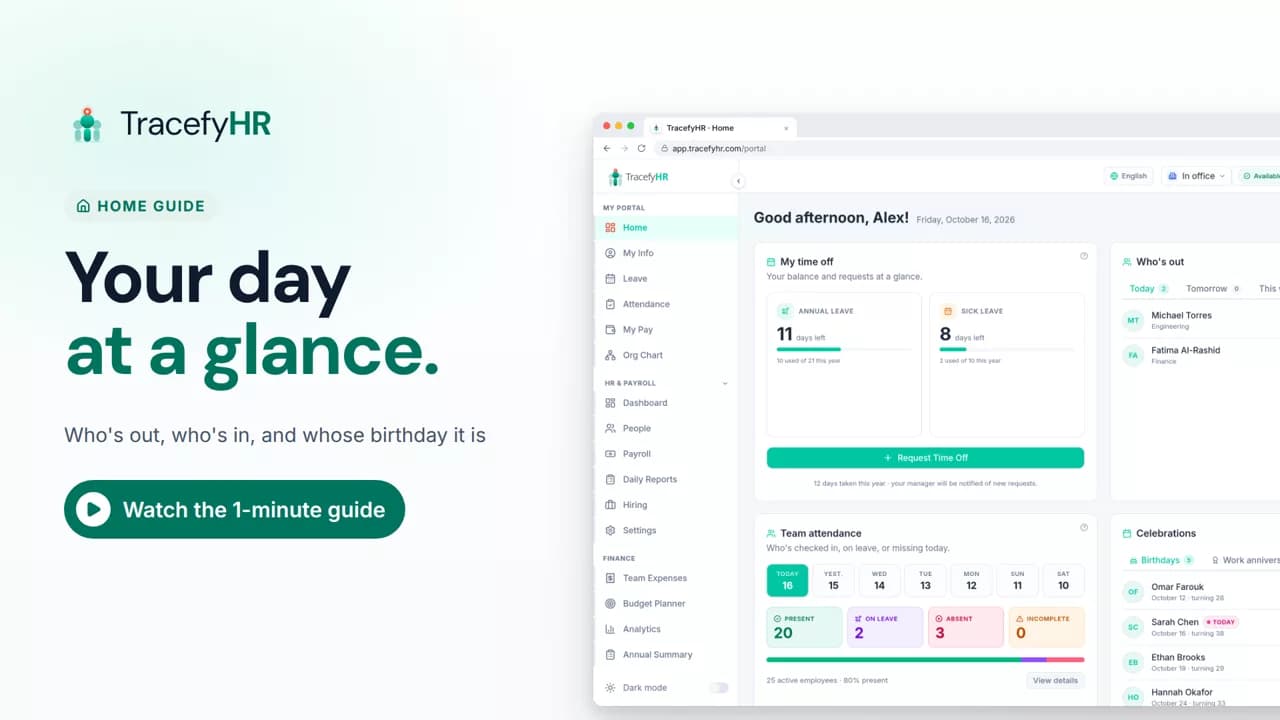 Length 0:51
See the TracefyHR Home page: who's out today, tomorrow or this week, who has checked in, upcoming birthdays and work anniversaries, and your own time off.
For managers, HR and employees
Set up your company, invite your team, and see if TracefyHR fits. Free for 30 days — no credit card required, cancel any time.