 Length 0:51
Home: your day at a glance
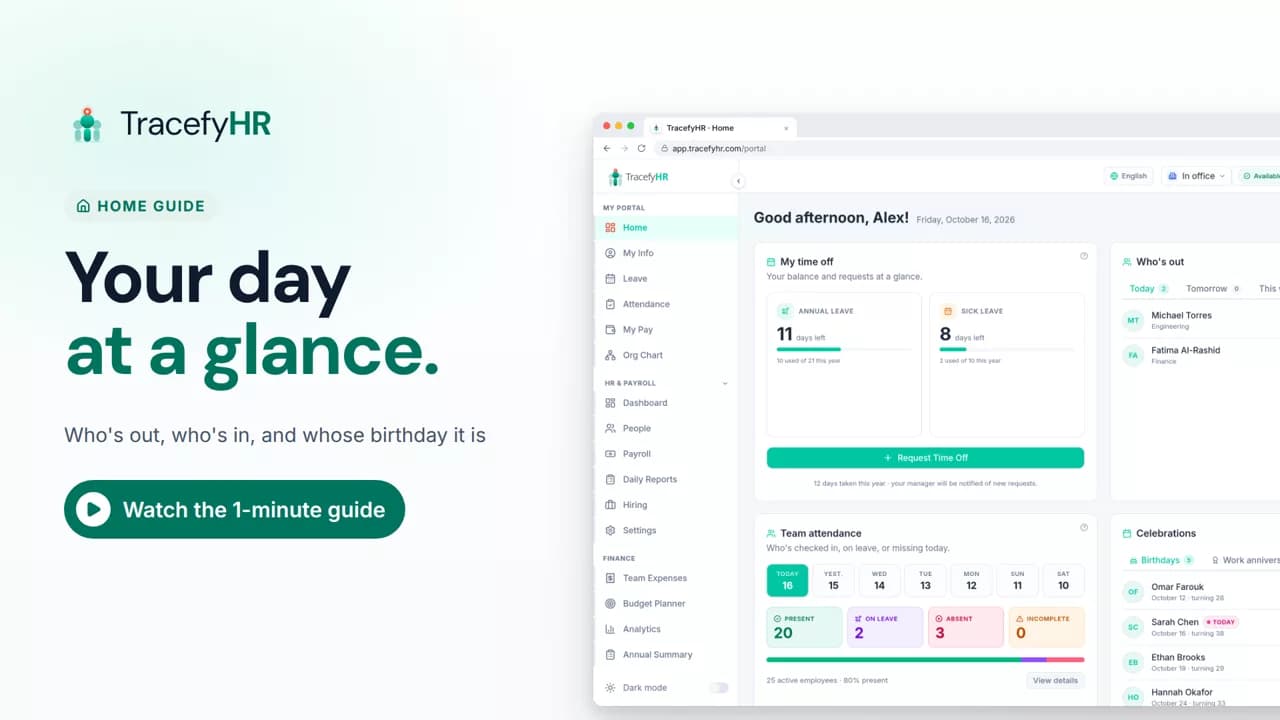
See the TracefyHR Home page: who's out today, tomorrow or this week, who has checked in, upcoming birthdays and work anniversaries, and your own time off.
For managers, HR and employees
Get started and the dashboard checklist walk you through setting up TracefyHR, in about 15 minutes. In this short video a new owner confirms their email, adds a first real employee, adds a logo, invites an HR lead and runs a first payroll, and each checklist step ticks itself off along the way.
Prefer reading?
Set up your company
The same task in the user guide, step by step with screenshots.
Open the articleThe full narration of the video. Select a time to jump to that moment.
0:01You just created your workspace. Let's make it yours, in about 15 minutes.
0:07You land on Get started. Finish it within a week, and you get 100 free AI credits.
0:15First, confirm your email with the code we sent you. It unlocks teammate invites.
0:21Then add your first real employee. Name, role, salary and start date.
0:30They get a welcome email with their login.
0:33The other 8 people are sample data. Remove them here when you're ready.
0:39Your dashboard checklist covers the rest. Five quick wins, top to bottom.
0:44Add your logo. It brands the invites you send your team.
0:49Each step ticks itself off as you go.
0:53Next, invite a teammate, like your HR lead, and choose what they can see.
0:59They get an email with a temporary password.
1:05Now run your first payroll. Salaries fill in from each profile. Check, save, and finalize.
1:11Payslips appear in each person's portal and app.
1:15Last, set up billing whenever you're ready. Your trial runs 30 days either way.
1:21That's the basics. People, leave, attendance and payroll, finally in one place.
1:28Your checklist stays on the dashboard. Start with the first open step.
About 15 minutes for the basics. Get started covers confirming your email and adding your team, and the dashboard checklist covers your logo, inviting a teammate, your first payroll and billing.
Finish the Get started steps within a week of signing up: confirm your email and add 3 employees. You then get 100 free AI credits as a setup bonus.
Once you finalize payroll, payslips appear in each person's employee portal and in the mobile app.
No. Billing is the last step on the checklist, and you can do it whenever you're ready. Your free trial runs 30 days either way.
Length 0:51See the TracefyHR Home page: who's out today, tomorrow or this week, who has checked in, upcoming birthdays and work anniversaries, and your own time off.
For managers, HR and employees
 Length 0:57
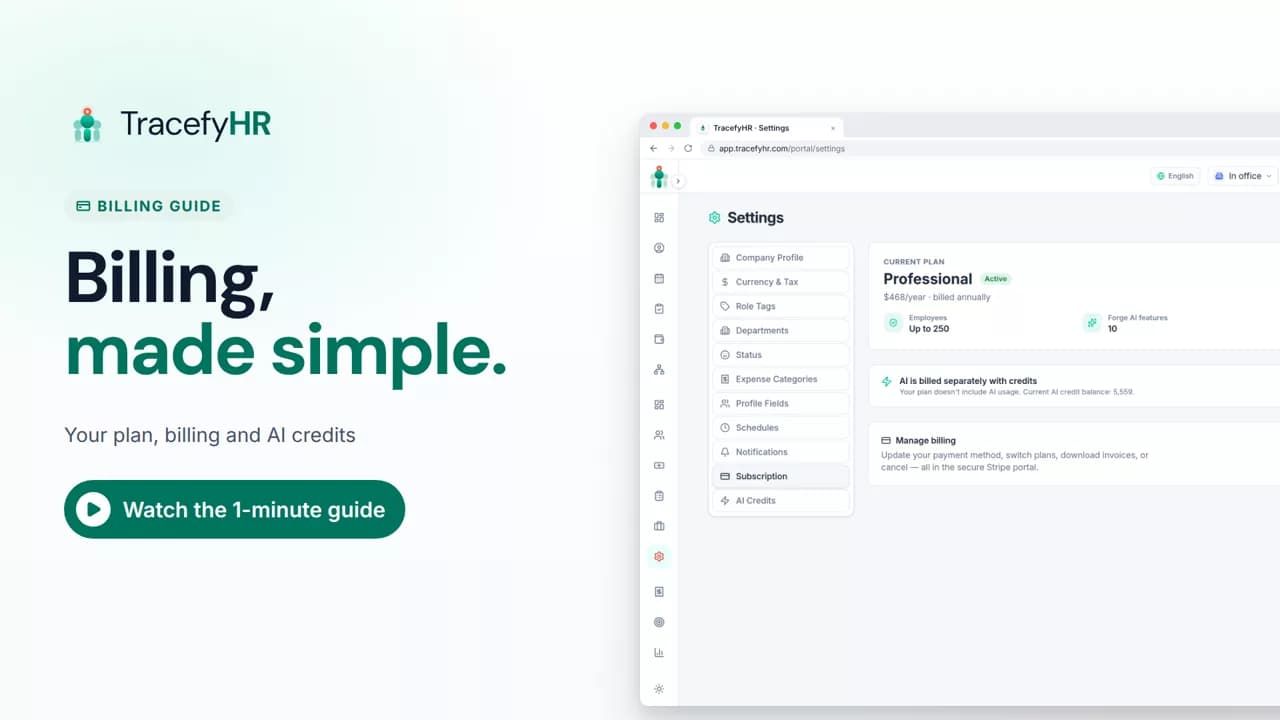
See how TracefyHR billing works: one flat price for your whole team, plan changes from the billing portal, and AI credits that never expire, from $5 a pack.
For managers
 Length 1:11
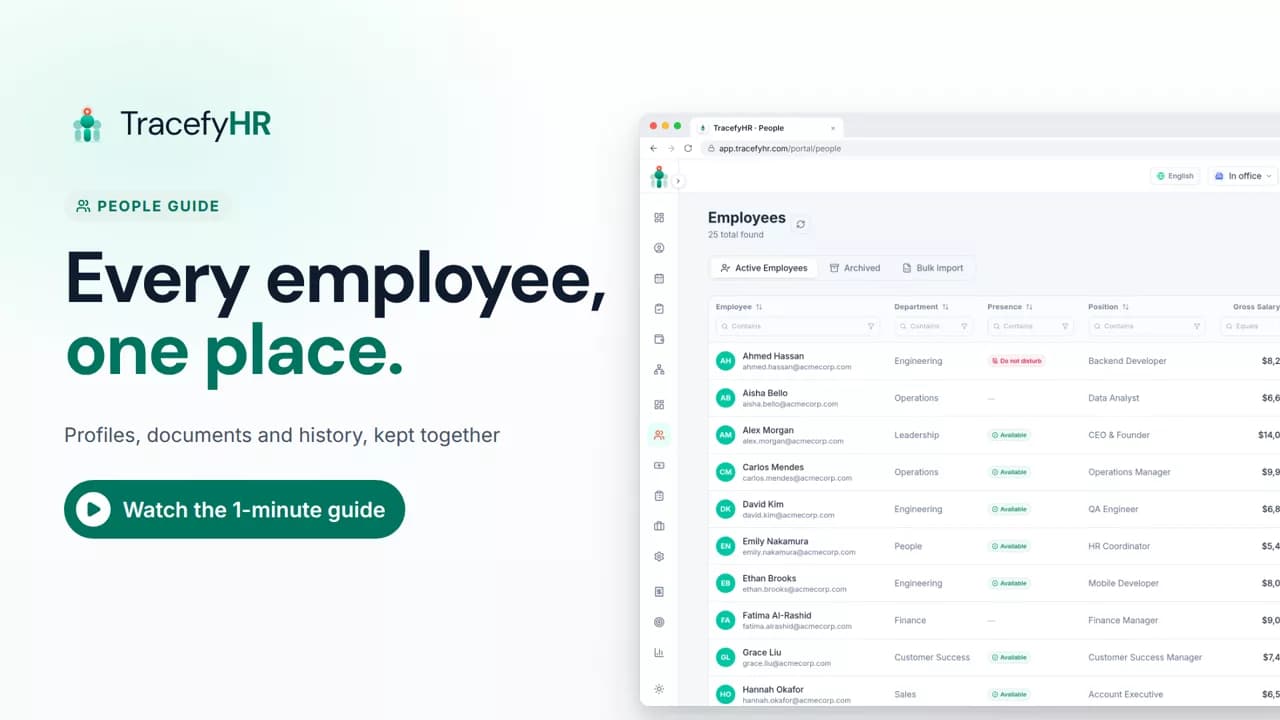
See how TracefyHR People keeps every employee in one place: add someone in about a minute, import your team from Excel, open profiles and archive leavers.
For managers and HR
Set up your company, invite your team, and see if TracefyHR fits. Free for 30 days — no credit card required, cancel any time.