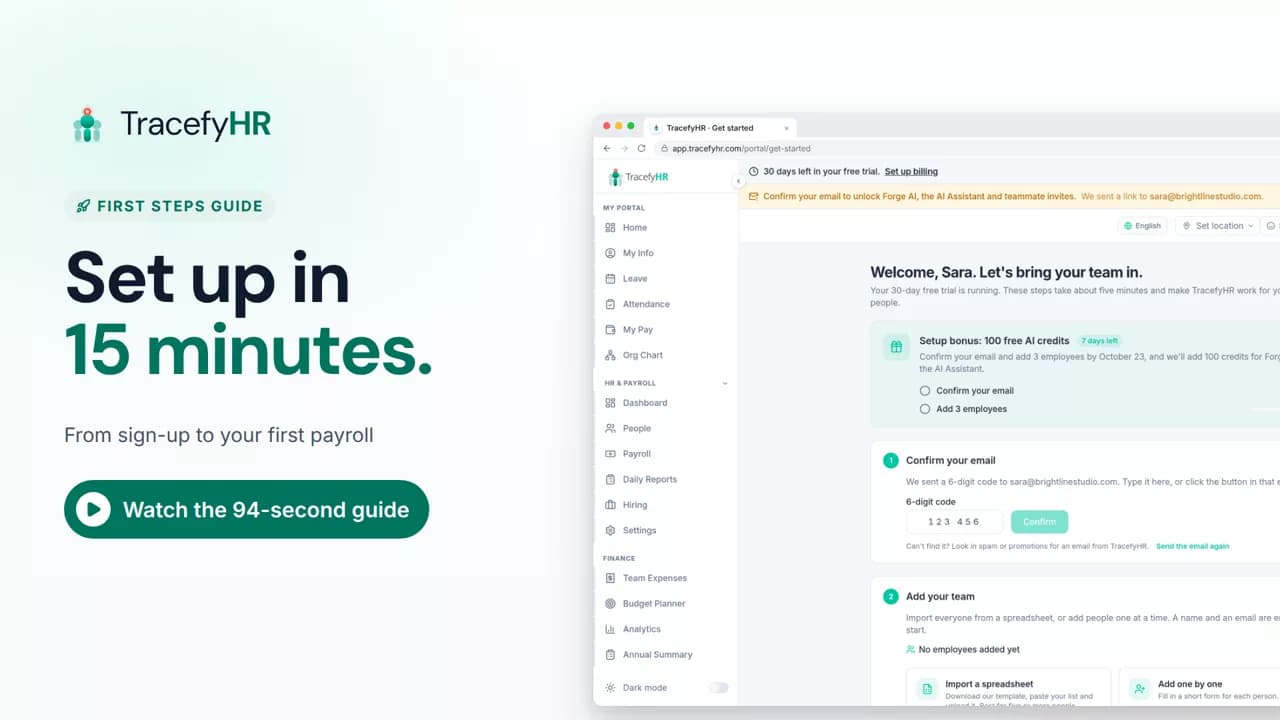
 Length 1:35
Set up TracefyHR in 15 minutes
Set up TracefyHR in about 15 minutes: confirm your email, add your first employee, add your logo, invite your HR lead and run your first payroll, step by step.
For owners
Settings is where you set up the basics of TracefyHR once, and everything else follows. In this short video a manager adds the company logo, picks a currency, adds departments, sets office hours and assigns people, adds a visa expiry field and chooses which notifications go out.
Prefer reading?
Company settings
The same task in the user guide, step by step with screenshots.
Open the articleThe full narration of the video. Select a time to jump to that moment.
0:01Every company runs a little differently. TracefyHR adapts to yours.
0:07Settings is where you set up the basics once, and everything else follows.
0:14Add your company details and logo. Your logo brands the invites you send.
0:21Choose your currency from 18 options, and how tax is labeled on payslips.
0:27Add departments and role tags that match how your team is organized.
You can choose from 18 currencies in Settings, under Currency & Tax. Changing the currency changes how amounts are labeled. It does not convert them.
Yes. In Profile Fields you can add your own fields, such as a visa expiry date. An Emergency Contact section is already there by default.
Yes. In the Schedules tab you set work hours, such as office hours from 9 to 6, then assign people to each schedule.
Yes. The Notifications tab lets you choose which automated notifications go out and who receives them. You can also add scheduled reports for each department.
Length 1:35Set up TracefyHR in about 15 minutes: confirm your email, add your first employee, add your logo, invite your HR lead and run your first payroll, step by step.
For owners
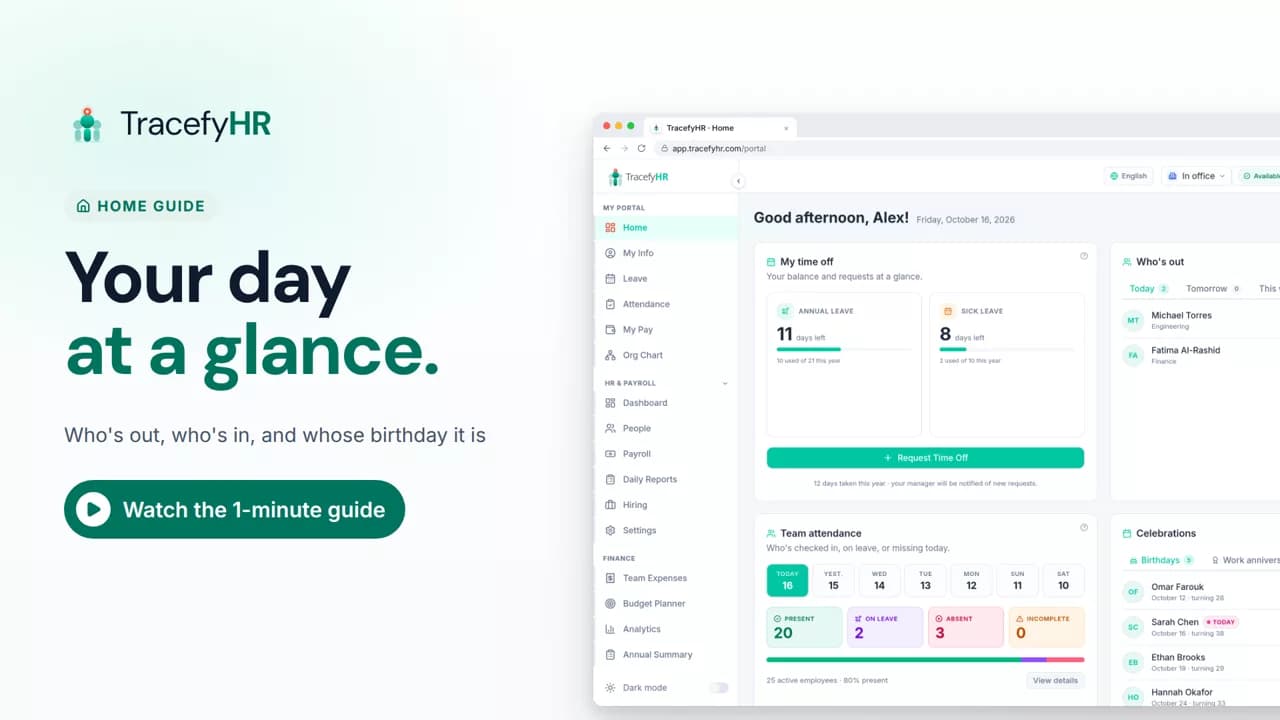 Length 0:51
See the TracefyHR Home page: who's out today, tomorrow or this week, who has checked in, upcoming birthdays and work anniversaries, and your own time off.
For managers, HR and employees
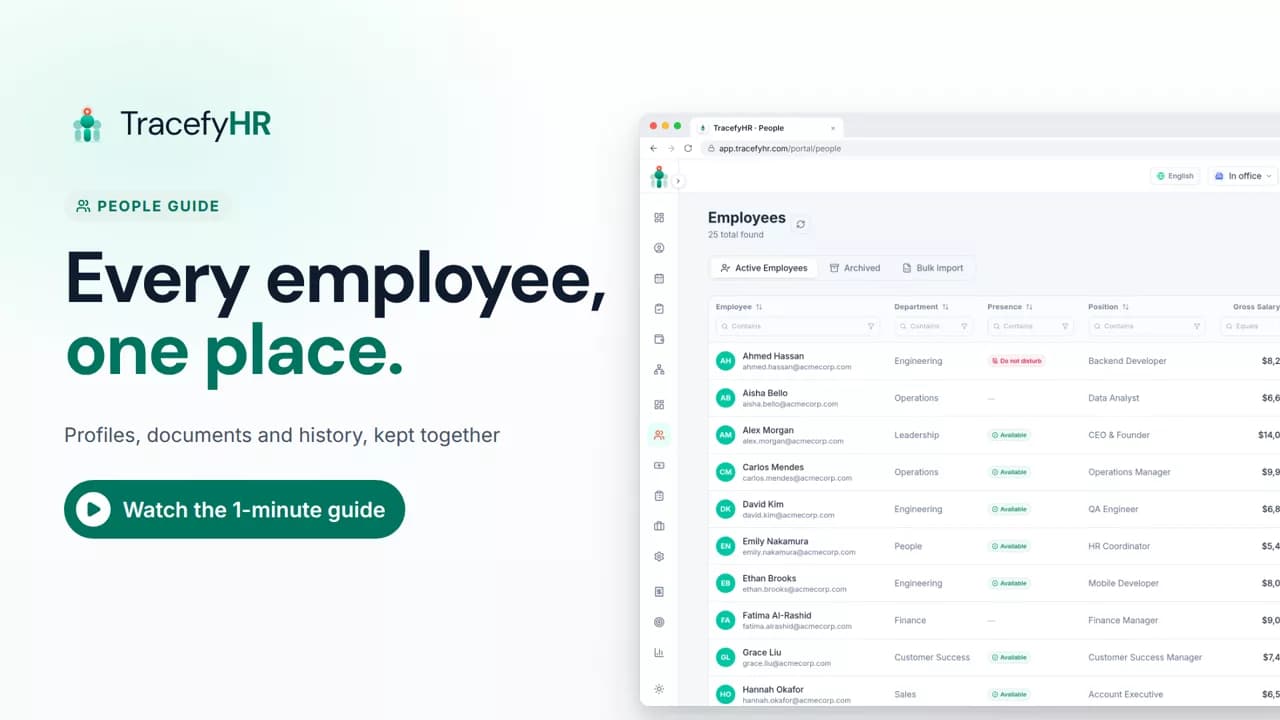 Length 1:11
See how TracefyHR People keeps every employee in one place: add someone in about a minute, import your team from Excel, open profiles and archive leavers.
For managers and HR
Set up your company, invite your team, and see if TracefyHR fits. Free for 30 days — no credit card required, cancel any time.