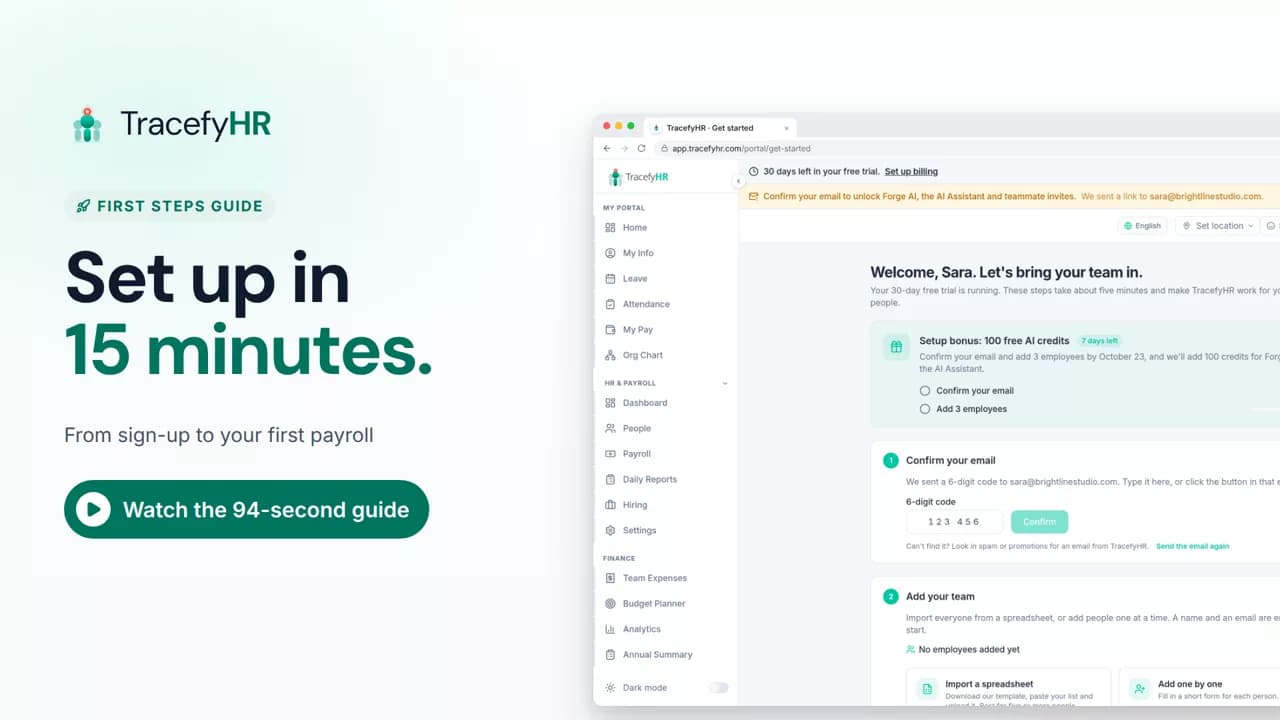
 Length 1:35
Set up TracefyHR in 15 minutes
Set up TracefyHR in about 15 minutes: confirm your email, add your first employee, add your logo, invite your HR lead and run your first payroll, step by step.
For owners
The TracefyHR employee portal keeps your leave, pay and attendance in one place, so you don't have to ask HR for the simple things. In this short video an employee checks in, requests time off with her balance in view, downloads a payslip as a PDF and opens My Info to edit her details.
Prefer reading?
Your dashboard
The same task in the user guide, step by step with screenshots.
Open the articleThe full narration of the video. Select a time to jump to that moment.
0:01Want to check your leave balance or find last month's payslip, without asking HR?
0:07Your TracefyHR portal keeps your leave, pay and attendance in one place.
0:15Start your day with a quick check-in and a short plan.
0:20Request time off in a few clicks. You see your balance before you send.
0:26You're notified as soon as it's approved.
0:32Your payslips are here, ready to download as a PDF.
0:36Gross, bonus, tax and deductions are all spelled out, so there are no surprises.
Open My Pay. Each payslip shows gross pay, bonus, tax, deductions and net pay, and you can download it as a PDF.
Yes. Open Leave and click Request time off. The form shows your balance for the leave type you choose before you send, and you're notified in the app, by push notification and by email when it's approved.
Yes, in My Info. You can edit the fields your company lets employees change, then save.
Yes, on Android. You can check in, request leave and see your payslips in the TracefyHR mobile app.
Length 1:35Set up TracefyHR in about 15 minutes: confirm your email, add your first employee, add your logo, invite your HR lead and run your first payroll, step by step.
For owners
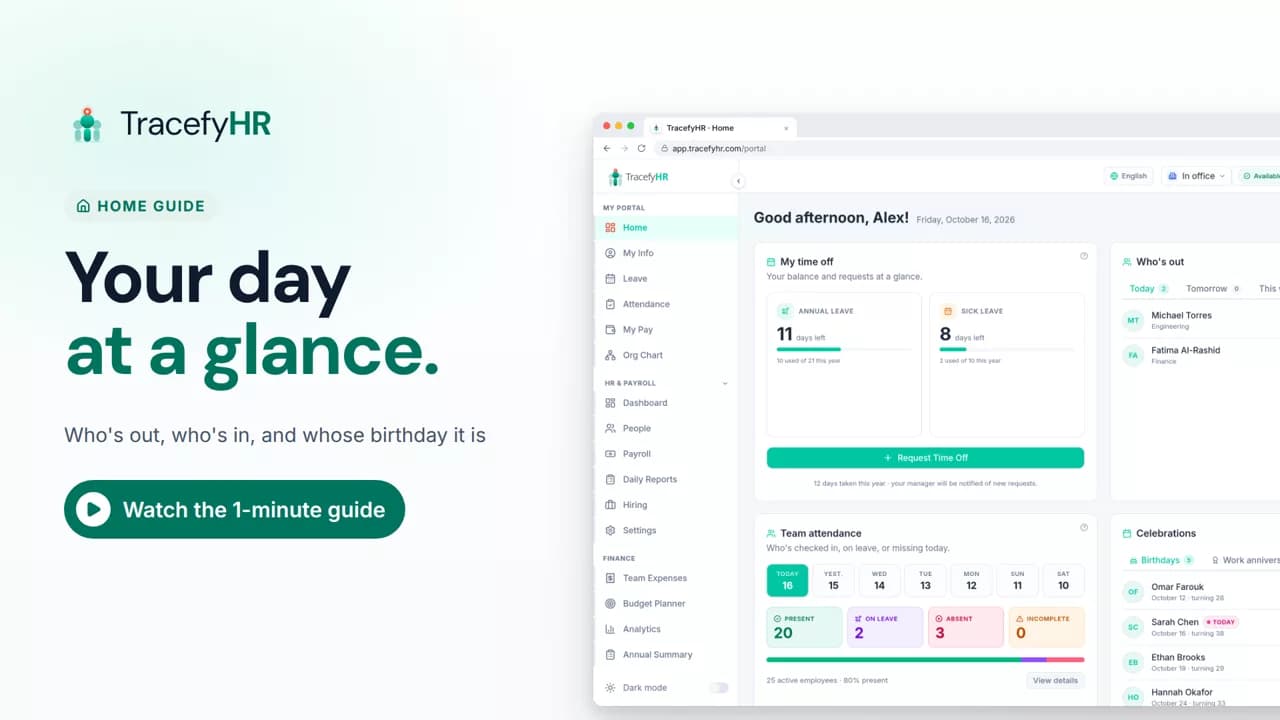 Length 0:51
See the TracefyHR Home page: who's out today, tomorrow or this week, who has checked in, upcoming birthdays and work anniversaries, and your own time off.
For managers, HR and employees
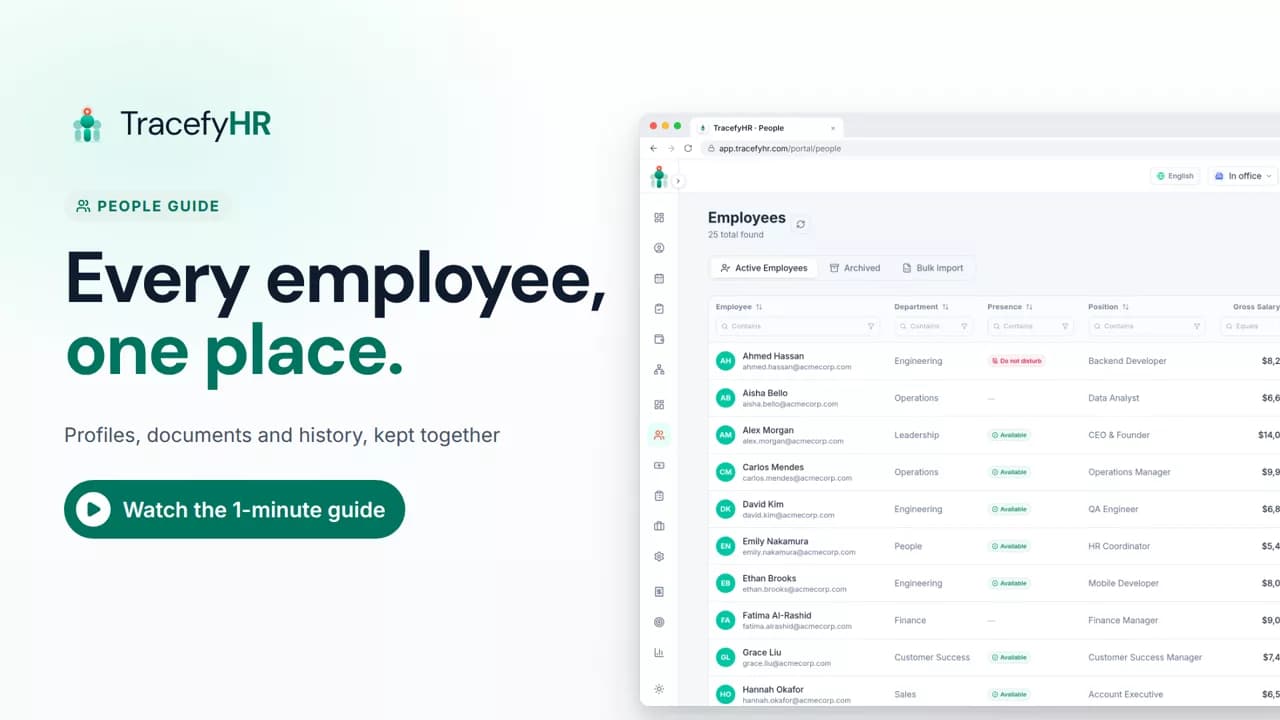 Length 1:11
See how TracefyHR People keeps every employee in one place: add someone in about a minute, import your team from Excel, open profiles and archive leavers.
For managers and HR
Set up your company, invite your team, and see if TracefyHR fits. Free for 30 days — no credit card required, cancel any time.