 Length 0:54
AI Assistant: ask about your team
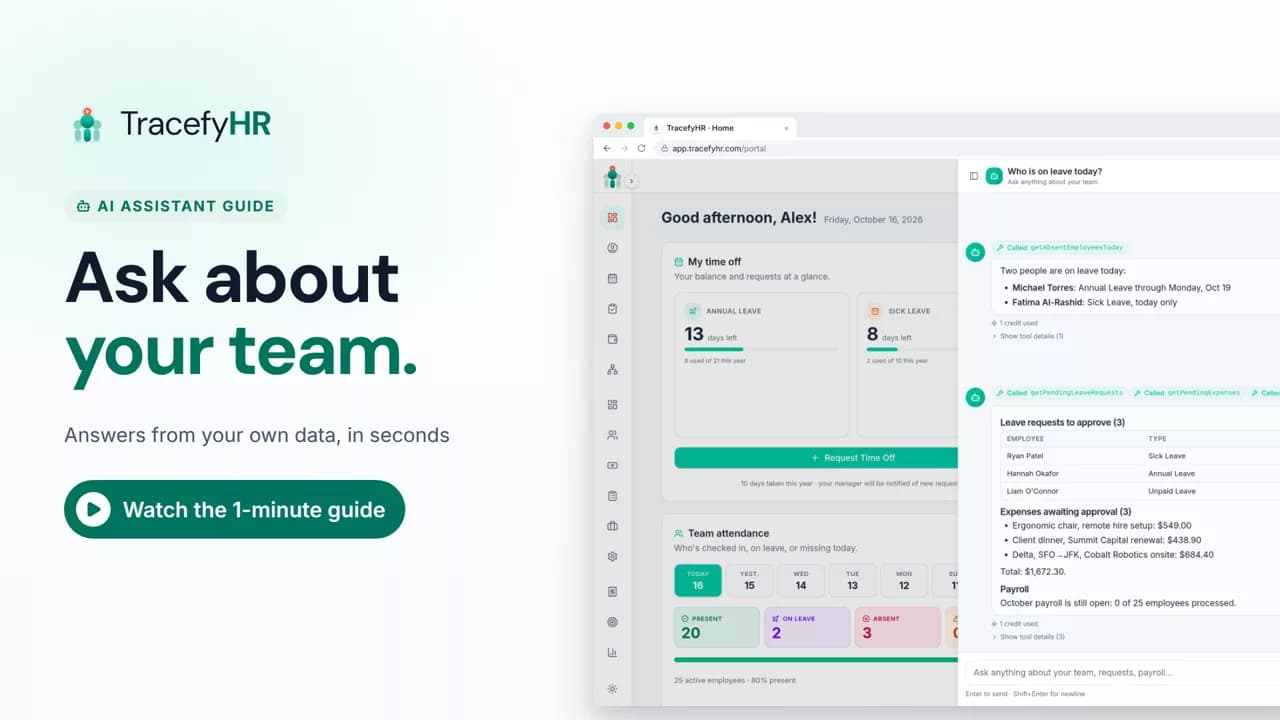
See the TracefyHR AI Assistant answer team questions in plain language, like who is on leave today and what needs your approval, usually for about 1 AI credit each.
For managers and HR
Forge AI builds the HR tools your software is missing from a plain description, with no code. In this short video a mileage claim tracker is described in plain words, Forge suggests the fields, the calculation and the approval step, and the feature is deployed for the team to use.
Prefer reading?
Forge AI — overview
The same task in the user guide, step by step with screenshots.
Open the articleThe full narration of the video. Select a time to jump to that moment.
0:01Need a tracker your HR software doesn't have? That usually means a developer and a long wait.
0:08With Forge AI, just describe what you need, and it builds it for you. No code needed.
0:16Type it in plain words. For example, mileage claims at 67 cents a mile, approved by a manager.
0:24Forge suggests the fields, the calculation and the approval step.
0:31You review it, then deploy.
No. You describe what you need in plain words, Forge suggests the fields, the calculation and the approval step, and you review it before you deploy.
Yes. When an entry is approved, the amount it calculates can be added to payroll as a bonus or a deduction, so nobody retypes it.
Forge works on every plan and runs on AI credits you buy as you go. A typical feature uses about 60 credits, and 1 credit is $0.01. AI is not included in any plan's price.
Yes. If you prefer a head start, pick one of the ready-made templates instead of describing a tool from scratch.
Length 0:54See the TracefyHR AI Assistant answer team questions in plain language, like who is on leave today and what needs your approval, usually for about 1 AI credit each.
For managers and HR
 Length 1:35
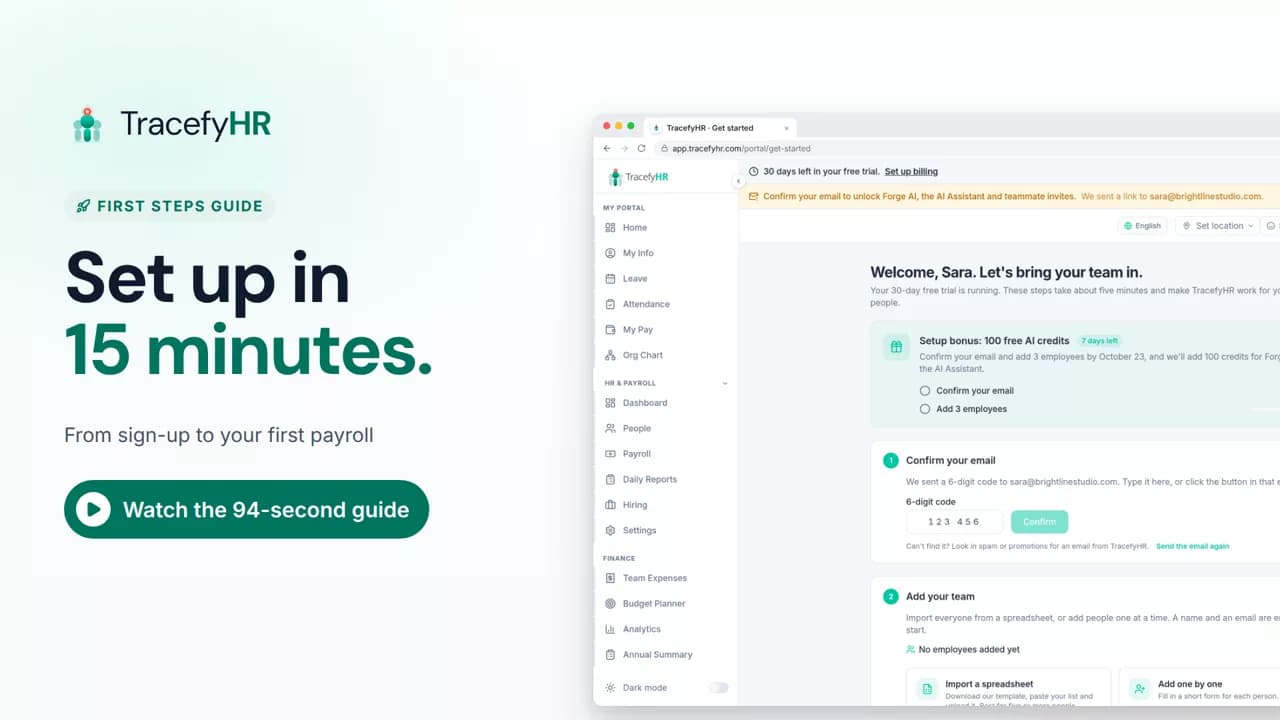
Set up TracefyHR in about 15 minutes: confirm your email, add your first employee, add your logo, invite your HR lead and run your first payroll, step by step.
For owners
 Length 0:51
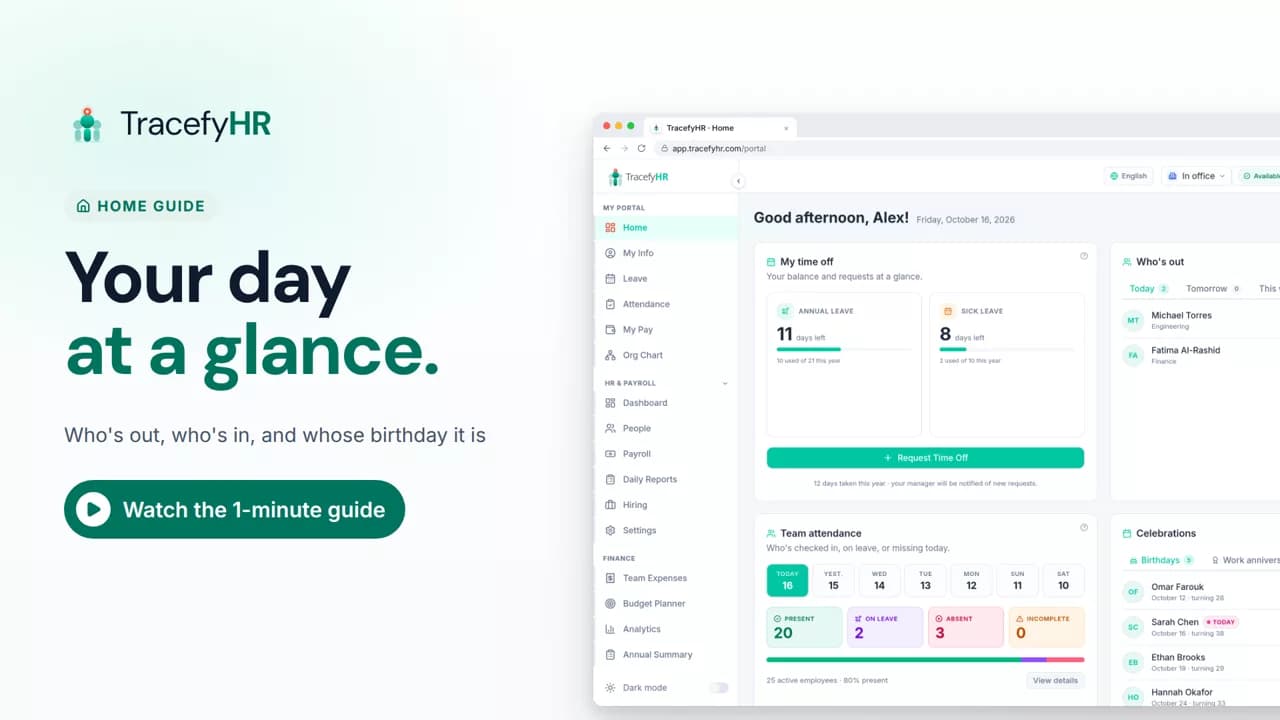
See the TracefyHR Home page: who's out today, tomorrow or this week, who has checked in, upcoming birthdays and work anniversaries, and your own time off.
For managers, HR and employees
Set up your company, invite your team, and see if TracefyHR fits. Free for 30 days — no credit card required, cancel any time.