Manager
Forge AI — overview
Build custom HR features by describing them in plain English — what Forge AI is, what it can build, and the boundaries of the platform.
Forge AI is TracefyHR's biggest differentiator: a tool that lets you build custom HR features by describing them in plain English. No code, no developers, no IT ticket. Five minutes from idea to live feature, used by your whole team.
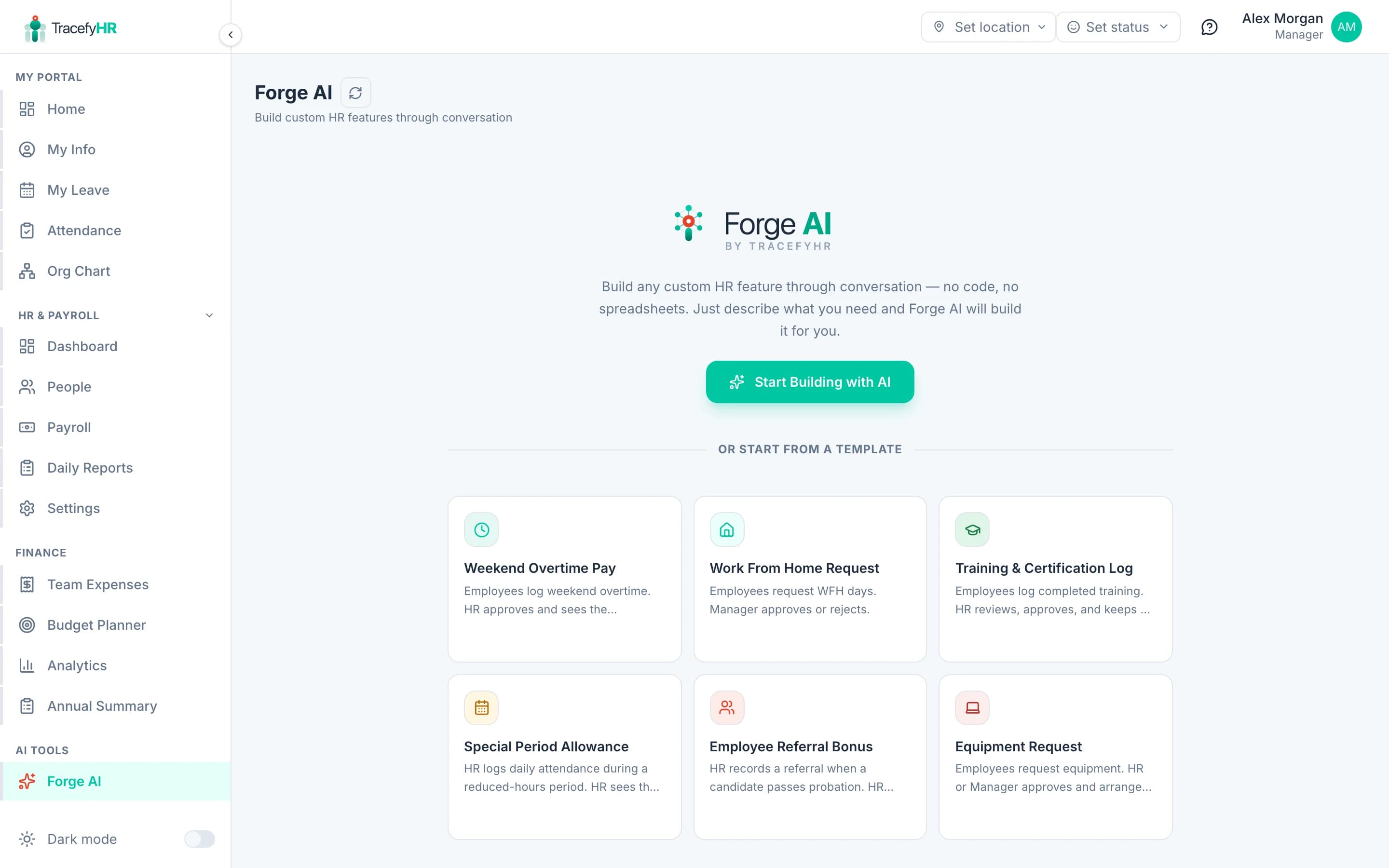
How it works in 30 seconds
- You describe what you need in a chat-like interface ("overtime tracker with manager approval and 1.5× multiplier")
- Forge AI asks 1-2 clarifying questions (or skip with "Let AI Decide")
- You see a live preview: the form fields, the approval workflow, the calculations
- Click Deploy — animated 3-step process
- The feature appears in everyone's sidebar under Company Tools, ready to use
What Forge AI can build
Practically any internal HR or business process that fits the Form → Approval → Action pattern:
- Forms with 12+ field types — text, number, date, select, file upload, employee picker, currency, percentage, signature, and more
- Approval workflows — who submits, who approves, escalation chains
- Auto-calculations — formulas like
hours × hourly_rate × overtime_multiplier - Payroll integration — approved entries automatically appear on the next payroll under bonuses or deductions
- Conditional logic — show this field only if that field equals X
- Versioning — every edit creates a new version, with full history and one-click revert
Real examples we've seen built
- Overtime tracker — employee submits hours, manager approves, amount auto-added to next payroll
- Reimbursement form — submit with receipt, approver, paid via payroll
- Shift swap requests — peer-to-peer with HR override
- Equipment requests — IT approval, asset tagging
- Performance review forms — quarterly, 360°, with confidential fields
- Training reimbursement — pre-approval before signing up
- Salary advance request — approval + auto-deduction over N months
What Forge AI can't build
- Anything that talks to external systems — no API calls to your accounting software, payroll provider, etc. (yet)
- Things that don't fit the Form → Approval → Action shape — analytics dashboards, communication tools, calendar widgets
- Replacements for the core platform — it can't rebuild Payroll or Leave; it complements them
Permission model
Forge AI is gated by canAccessForge. By default only Managers have it — see Managing permissions to grant it to specific HR users.
Once a feature is deployed, you control visibility per-feature:
- Everyone — appears in every employee's Company Tools
- Specific departments — only employees in those departments
- Specific roles — managers only, HR only, etc.
Cost / limits
- Generation — Forge AI generations consume credits from your plan. The free tier includes 10/month; Pro has 50; Enterprise is unlimited.
- Storage — submitted entries count toward your storage quota. Most companies never hit it.
What to read next
- Build your first Forge AI feature — a walkthrough
- Managing deployed Forge AI features
Last updated 2026-05-05